EN-17
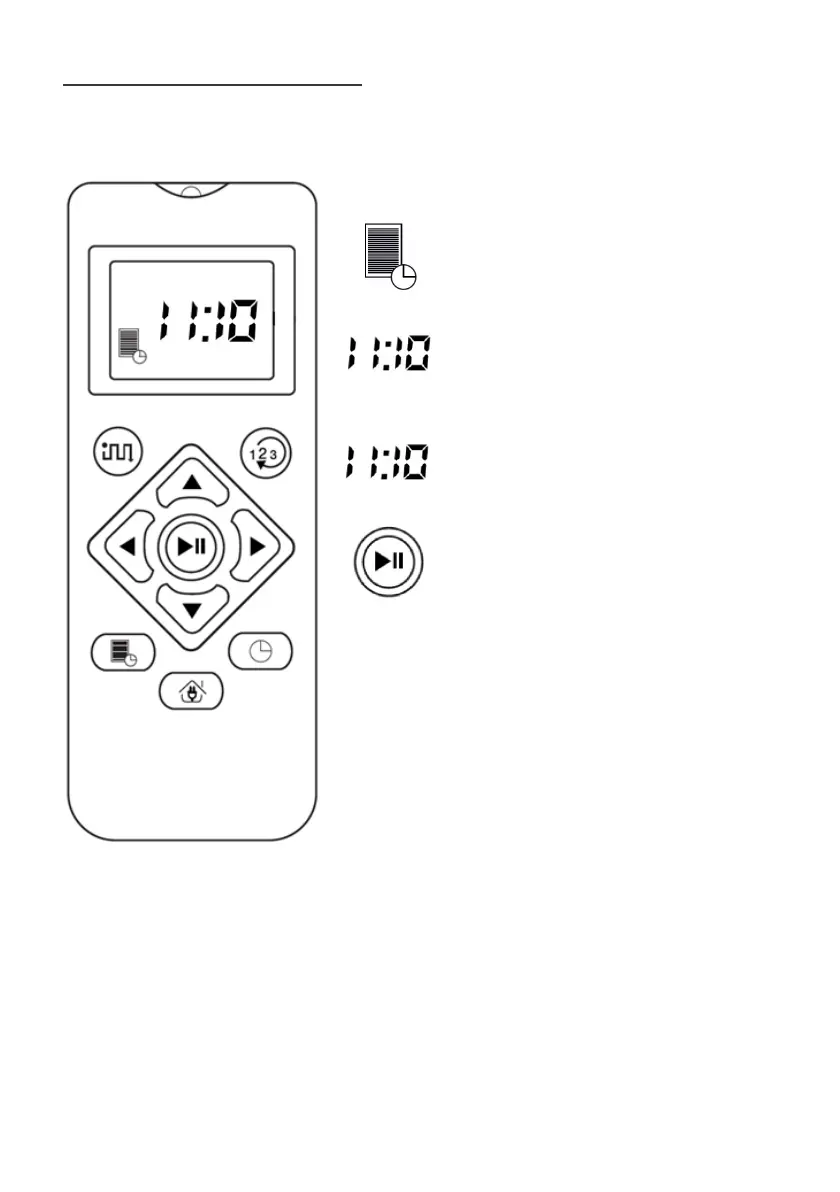
Setting the daily schedule
Tap daily programming
The hours flash, you can then change
the time with the up or down
directional arrows
Once the hours are set, press the right
arrow to set the minutes
Confirm the daily programming by
pressing the « play » button
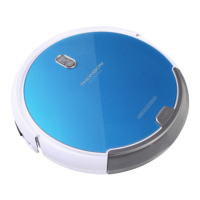
Note: every day at 11:10 am, your robot will
come out of its base to carry out its cleaning
cycle. As soon as the battery is low, it will
automatically return to its charging base.



 To Next Page