12
9. Start a programme.
Press . The door will lock and the display will
show the symbol .
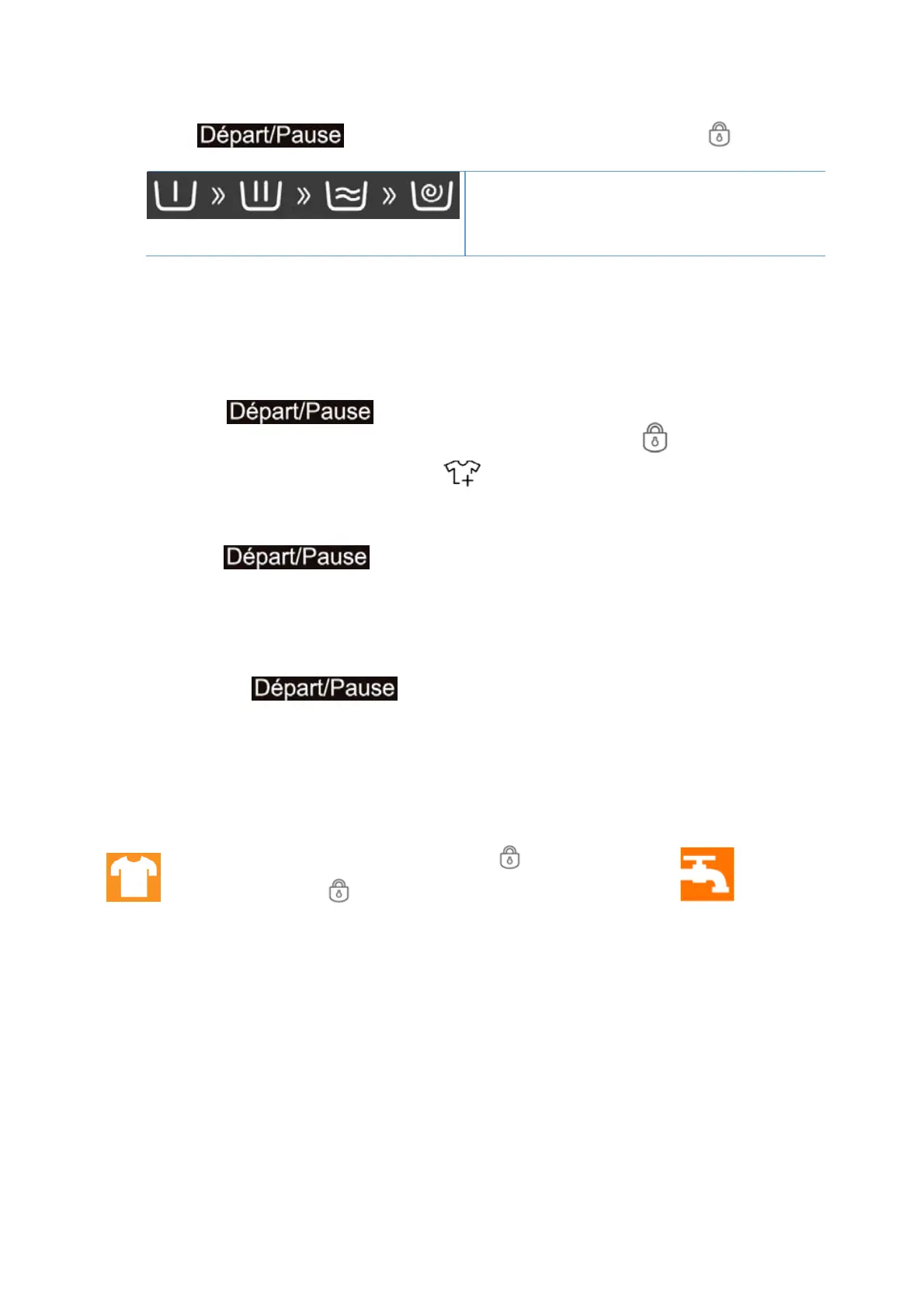
Washing phase symbols
These symbols show the program phases, running
from left to right through pre-wash, main wash,
rinse and spin. The flashing symbol shows which
phase is in progress.
Automatic weighing
The display will show “----” after starting a programme, indicating that it is weighing automatically. It
will adjust the programme duration (hours:minutes) automatically according to weight of laundry.
10. Pause a running programme and open the door, if needed.
Press to pause a running programme.
If water level or temperature is not too high, the door locked symbol will disappear and the
display will show the reloading symbol .
You can open the door, for example to add more laundry, or to remove laundry which was
loaded by mistake.
Pr
ess to proceed with the programme.
11. Change a programme and settings, if needed.
To change the settings of a running programme:
Turn the programme sele
ctor to the OFF position for 3 seconds.
Select a new programme and change settings.
Press to start the new programme.
12.
At the end of the cycle, the display will show the message ”End”.
13.
Switch off the machine by turning the programme selector to the OFF position.
14. Open the door and remove the laundry.
The door can only be opened when the symbol disappears.
Check that the symbol disappears.
Leave the door ajar to let the interior of the appliance to dry.
Open the door and take out the laundry.
Turn off the tap.


 To Next Page