Chapter 1: Connections and Setup
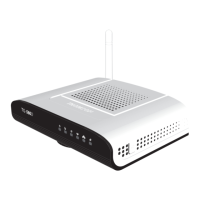
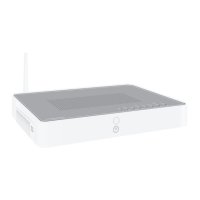
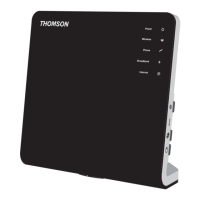
Illustrations contained in this document are for representation only.
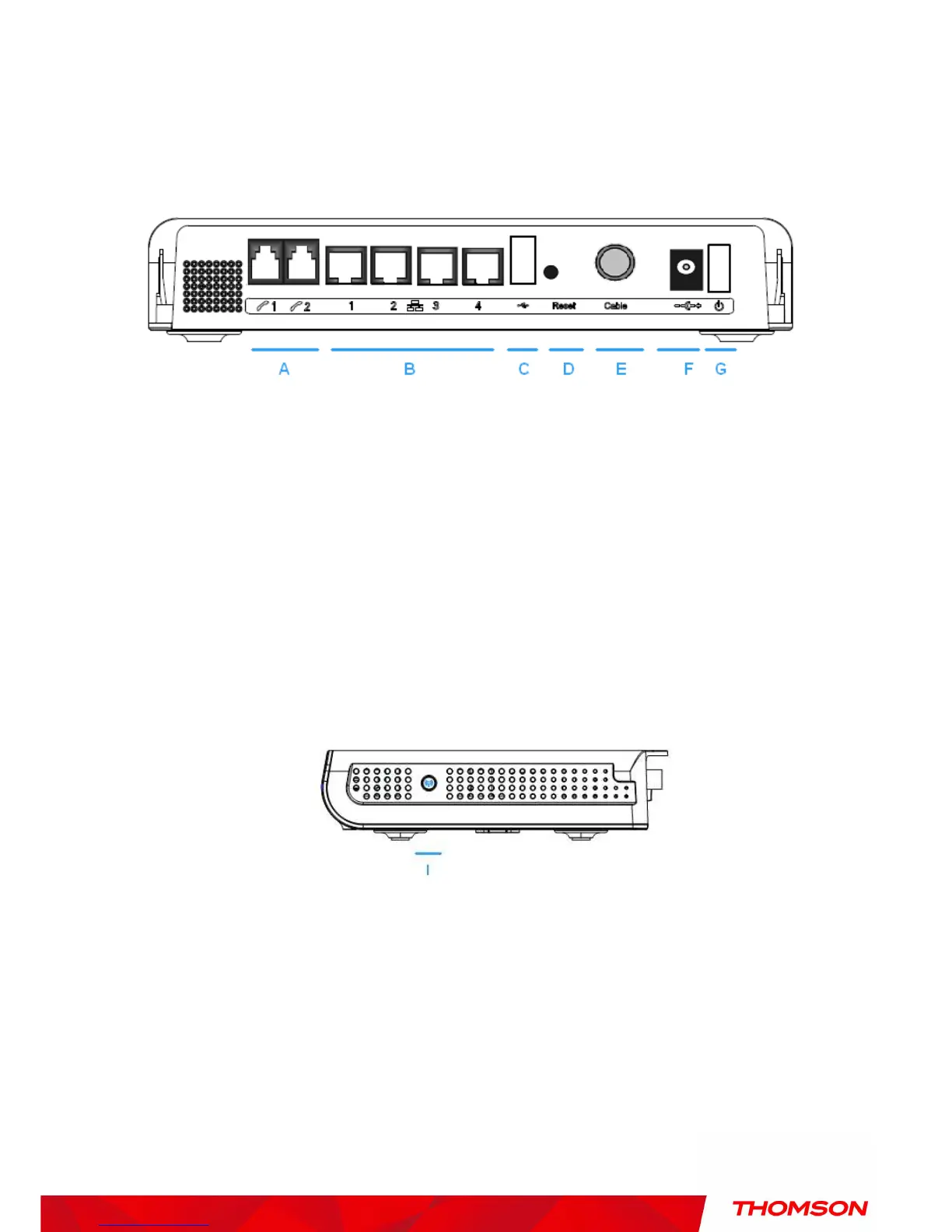
rear Panel
A TEL1 & TEL2 2x Telephony RJ-11 connectors
B ETHERNET 1 2 3 4: 4x Ethernet 10/100/1000 Mbps RJ-45 connectors
C USB Host: 1x USB 2.0 Connector
D Reset: 1x Reset or reset to factory default this Wireless Voice Gateway
E CABLE: 1x F-Connector for the coax cable
F 12VDC : 1x Power connector to connect the AC power supply
G Power switch: 1x switch to power on/off this Wireless Voice Gateway
I WPS & WiFi on/off button: 1x button with two features:
to activate/disable the WiFi, to execute a WPS association


 To Next Page