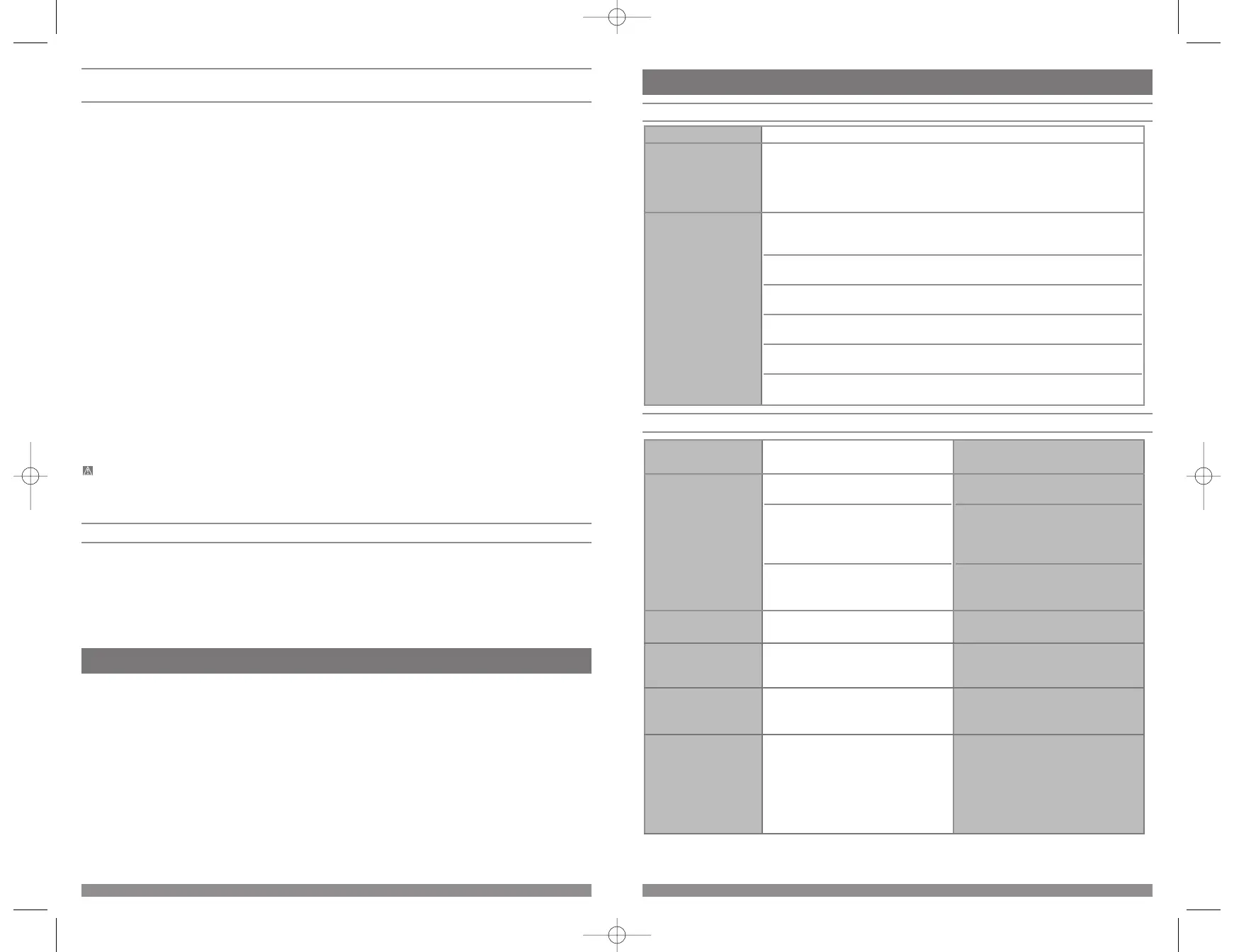
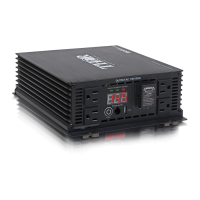
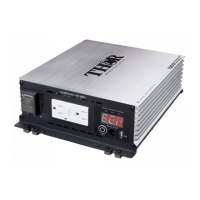
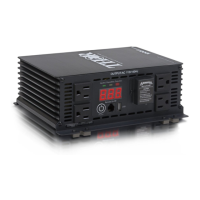
TROUBLESHOOTING GUIDE
Common Audio/Visual Problems
Fault Protection and Troubleshooting Guide
PROBLEM/
INDICATION
POSSIBLE CAUSE SUGGESTED SOLUTION
No AC output —
Fault LED lit
DC input is below 10.7 volts
Excessive appliance load
Inverter hot
Recharge or replace (battery) power
source.
• Reduce load to inverter’s maximum
wattage output.
• Reset inverter by turning the Power
Switch off, then back on.
Disconnect all appliances from inverter.
Run inverter with no load for a few
minutes. Reconnect load.
No AC output —
Power LED not lit
Bad connection or wiring Check all connections to the (battery)
power source. Tighten if necessary.
Fault LED lights while
inverter is in use
Low (battery) power source voltage Disconnect all appliances from inverter,
then recharge or replace (battery) power
source.
Power tool will not
operate when plugged
into inverter
Excessive start-up load Power tool (or appliance) draws too
much voltage; and cannot be used with
your inverter.
Power tool will not
operate at correct speed
Purely inductive load TH225: Power tool cannot be used with
your inverter.
TH400/TH750: Modify the load so that it
isn’t purely inductive; for example,
operate an incandescent lamp plugged
into the inverter’s other outlet at the
same time.
PROBLEM SOLUTION
“Buzzing” sound in
audio systems
Inexpensive stereo systems and “boom boxes” may emit a buzzing sound from their
speakers when operated from your inverter. This occurs because the power supply
in the electronic device does not adequately filter the modified sine wave produced
by the inverter. The only solution to this problem is to use a higher quality sound
system.
Television Interference Your inverter is shielded to minimize interference with TV signals. However, in some
instances, some interference may still occur, particularly where TV signals are weak.
Try the following corrective measures:
• Place the inverter as far as possible from the television, the antenna and the
antenna cables. Use an extension cable, if necessary.
• Readjust the orientation of the inverter, the antenna cables and the TV power
cord to minimize interference.
• Make sure the antenna feeding the television provides an adequate (“snow free”)
signal and that high quality, shielded antenna cable is used.
• Do not use the inverter to operate high-power appliances or tools at the same
time you are using it to operate the TV.
• Make sure the inverter’s case is properly grounded (refer to the “Permanent
Installation Procedure” section of this Instruction Manual).
9
Direct Hardwiring to Power Source
(optional connection method; HARDWARE NOT INCLUDED)
TH225: Use #10 AWG wire if the inverter to power source connection is 6 feet or less. For longer cable lengths use
#8 AWG wire. In either case, protect the positive (+) wire from shorts by installing a 35 amp fuse or circuit breaker
close to the DC power source (battery) terminal.
TH400: Use #6 AWG wire if the inverter to power source connection is 6 feet or less. For longer cable lengths use
#4 AWG wire. In either case, protect the positive (+) wire from shorts by installing a 50 amp fuse or circuit breaker
close to the DC power source (battery) terminal.
TH750: Use #4 AWG wire if the inverter to power source connection is 6 feet or less. For longer cable lengths use
#3 AWG wire. In either case, protect the positive (+) wire from shorts by installing a 50 ANL fuse or circuit breaker
close to the DC power source (battery) terminal.
PROCEDURE
1. Check to make sure the inverter’s Power Switch has been turned off (no LEDs are lit) and that no flammable
fumes are present in the installation area.
2. Identify the positive (+) and negative (–) DC power source (battery) terminals.
3. Install a fuse holder or breaker close to the positive (+) terminal of the DC source (battery).
4. Connect a length of wire on one side of the fuse holder or circuit breaker. Connect the other end of the wire to
the positive (+) terminal of the inverter.
5. Connect a length of wire between the inverter’s negative (–) terminal and the DC power source negative (–)
terminal.
6. Connect a short length of wire to the other terminal of the fuse holder or circuit breaker. Mark it “positive”
or “+”.
7. Connect the free end of the fuse or breaker wire to the positive (+) terminal of the DC power source (battery).
8. Insert a fuse appropriate to the inverter in the fuse holder.
9. Test the inverter by turning it on and plugging in a 100 watt lamp or equipment.
10. If the inverter is not properly operating, then refer to the “Troubleshooting” section of this manual.
CAUTION
• Loose connectors may cause overheated wires and melted insulation.
• Check to make sure you have not reversed the polarity. Damage due to reversed polarity is not covered by
manufacturer’s warranty.
IMPORTANT CABLE INFORMATION
Substantial power loss and reduced battery operating time results from inverters installed with cables that are not
able to supply full power. Symptoms of low battery power can result from cables that are either excessively long or
an insufficient gauge. Marine installations are also subjected to vibration and stresses that exceed those of other
mobile installations. Therefore, the installer/operator should be especially aware of the requirements to maintain
secure, tight, water-resistant electrical connections and to provide for strain relief for DC cables and appliance
wiring. Cable insulation must be the appropriate type for the environment.
OPERATING INSTRUCTIONS
Your inverter is equipped with standard North American three-prong type outlets. Plug the cord from the equipment
you wish to operate into the AC outlet(s). Make sure the combined load requirement of your equipment does not
exceed your inverter’s maximum continuous power.
8



 To Next Page