EasyManua.ls Logo

THORENS PC 650 - Heads and Electronics; Head Maintenance and Alignment

THORENS PC 650
44 pages
Print Icon
To Next Page IconTo Next Page
To Previous Page IconTo Previous Page
Loading...
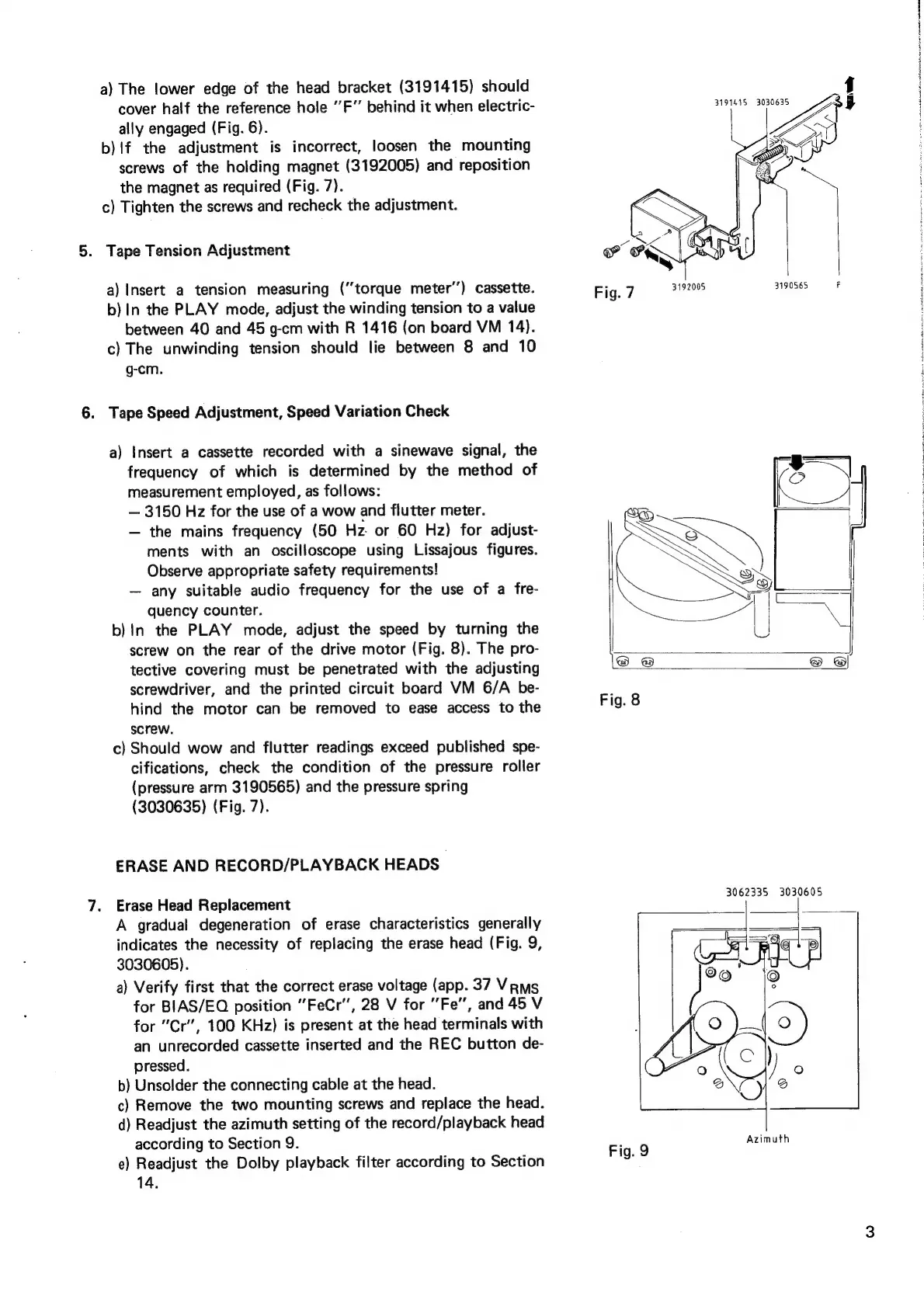
a)
The
lower
edge
of
the
head
bracket
(3191415)
should
cover
half
the
reference
hole
‘’F”
behind
it
when
electric-
ally
engaged
(Fig.
6).
b)!f
the
adjustment
is
incorrect,
loosen
the
mounting
screws
of
the
holding
magnet
(3192005)
and
reposition
the
magnet
as
required
(Fig.
7).
c)
Tighten
the
screws
and
recheck
the
adjustment.
.
Tape
Tension
Adjustment
a)
Insert
a
tension
measuring
(“torque
meter’’)
cassette.
b)
In
the
PLAY
mode,
adjust
the
winding
tension
to
a
value
between
40
and
45
g-cm
with
R
1416
(on
board
VM
14).
c)
The
unwinding
tension
should
lie
between
8
and
10
g-cm.
.
Tape
Speed
Adjustment,
Speed
Variation
Check
a)
Insert
a
cassette
recorded
with
a
sinewave
signal,
the
frequency
of
which
is
determined
by
the
method
of
measurement
employed,
as
follows:
3150
Hz
for
the
use
of
a
wow
and
flutter
meter.
the
mains
frequency
(50
Hz
or
60
Hz)
for
adjust-
ments
with
an
oscilloscope
using
Lissajous
figures.
Observe
appropriate
safety
requirements!
any
suitable
audio
frequency
for
the
use
of
a
fre-
quency
counter.
b)
In
the
PLAY
mode,
adjust
the
speed
by
turning
the
screw
on
the
rear
of
the
drive
motor
(Fig.
8).
The
pro-
tective
covering
must
be
penetrated
with
the
adjusting
screwdriver,
and
the
printed
circuit
board
VM
6/A
be-
hind
the
motor
can
be
removed
to
ease
access
to
the
screw.
c}
Should
wow
and
flutter
readings
exceed
published
spe-
cifications,
check
the
condition
of
the
pressure
roller
(pressure
arm
3190565)
and
the
pressure
spring
(3030635)
(Fig.
7).
ERASE
AND
RECORD/PLAYBACK
HEADS
Erase
Head
Replacement
A
gradual
degeneration
of
erase
characteristics
generally
indicates
the
necessity
of
replacing
the
erase
head
(Fig.
9,
3030605).
a)
Verify
first
that
the
correct
erase
voltage
(app.
37
Vrms
for
BIAS/EQ
position
"FeCr”,
28
V
for
Fe”,
and
45
V
for
"Cr’,
100
KHz)
is
present
at
the
head
terminals
with
an
unrecorded
cassette
inserted
and
the
REC
button
de-
pressed.
b)
Unsolder
the
connecting
cable
at
the
head.
c)
Remove
the
two
mounting
screws
and
replace
the
head.
d)
Readjust
the
azimuth
setting
of
the
record/playback
head
according
to
Section
9.
e)
Readjust
the
Dolby
playback
filter
according
to
Section
14.
Fig
7
3192005 3190565
F
3062335
3030605
Azimuth
Fig.
9