5
21LFT25430 Issue 6 PN 2307F Oct 17
ESSENTIAL CONFIGURATION
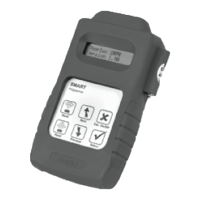
Each SmartScan device requires programming with two addresses. A third device address and fourth link address is optional. Programming is carried out
using the Smart Programmer. In order to prevent areas of a building inadvertently communicating it is essential that addresses are correctly set and we
recommend they are recorded for future reference.
Enable RF communications.
Identies devices that are within
the same system and forms the
boundary for the wireless mesh
to prevent adjacent buildings
communicating.
The building address can be set
between 1-254.
The control group, all luminaires
with the same building address and
the same group address will work
together for presence detection.
Up to 254 dierent groups can be
created in one building.
The group address can be set
between 1-254.
The unique device address within
each group. This is used to identify
individual luminaires within a
group.
The device address can be set
between 1-254.
The link address allows presence
detection
signals to be transmitted
between dierent groups of
luminaires. Each group can be
set to transmit or receive an
independent link address enabling
occupancy in one area to keep
another linked un-occupied area
illuminated.
The link transmit (TX) or link
receive (RX) addresses can be set
between 1-254.
BUILDING ADDRESS
GROUP ADDRESS
DEVICE ADDRESS
LINK ADDRESS
1. ESSENTIAL
5. ESSENTIAL
2. ESSENTIAL
3. OPTIONAL
4. OPTIONAL
= Group= Building = Device
Building 1
Building 2
1
1
11
2
2
2
3
3
3
4
4
5
5
6
6
7
2 3
1
23
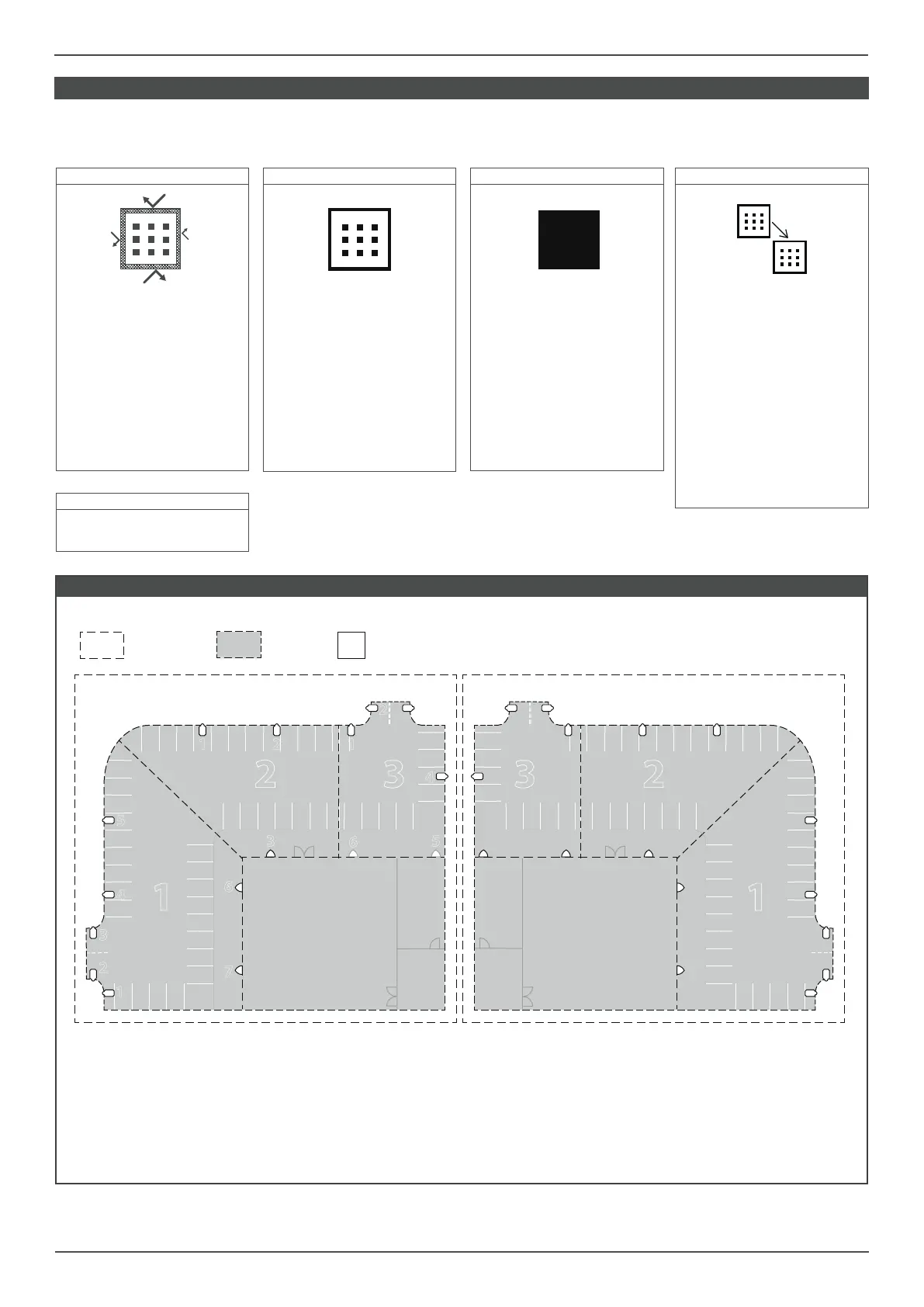
BUILDING, GROUP & DEVICE ADDRESS - Example
All luminaires within groups 1-3 have their building address set
to 1, and their relevant group address set. This will ensure that
all lights in Building 1, and only Building 1, communicate within
their group, but groups do not communicate with each other.
The device address is used to identify individual luminaires on the
system when using platform 2.
BUILDING 1 BUILDING 2
By setting the building address to 2, these luminaires will not
communicate with the adjacent building. All luminaires within a
group will communicate, but groups will remain separate.


 To Next Page
 Loading...