6
21LFT25430 Issue 6 PN 2307F Oct 17
FUNCTION BUTTON DISPLAY
PROGRAMMING SINGLE PARAMETERS
SMARTSCAN EMERGENCY LUMINAIRES
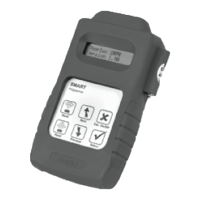
The Smart programmer can be used to commission, test and
interrogate SmartScan emergency luminaires.
To commission emergency luminaires use LCM 10777SS and
refer to 21LFT 32418.
To perform manual testing and fault diagnosis on emergency
luminaires use the Emergency Status menu.
1 Switch on the Smart Programmer
2
Scroll to the
<SmartScan Sensors>
<SmartScan Sensors> menu
3
Select the menu download all
<SmartScan Sensors> <SmartScan only>
4
Use the scroll buttons, to select link tx ad: non
the required address none/1-254
Select this parameter. Option
5 name and current status are
link tx ad: non*
now displayed on the top line.
none/1-254
6
Use the scroll buttons, to select link tx ad: 123*
the required address none/1-254
To exit the setting mode press
(Esc). The new selected value link tx ad: 123
7
will now be displayed on the none/1-254
rst line.
The (Send) button will now,
link tx ad: 123
8 update the chosen parameter
Sending.......OK
in the Smart Luminaire
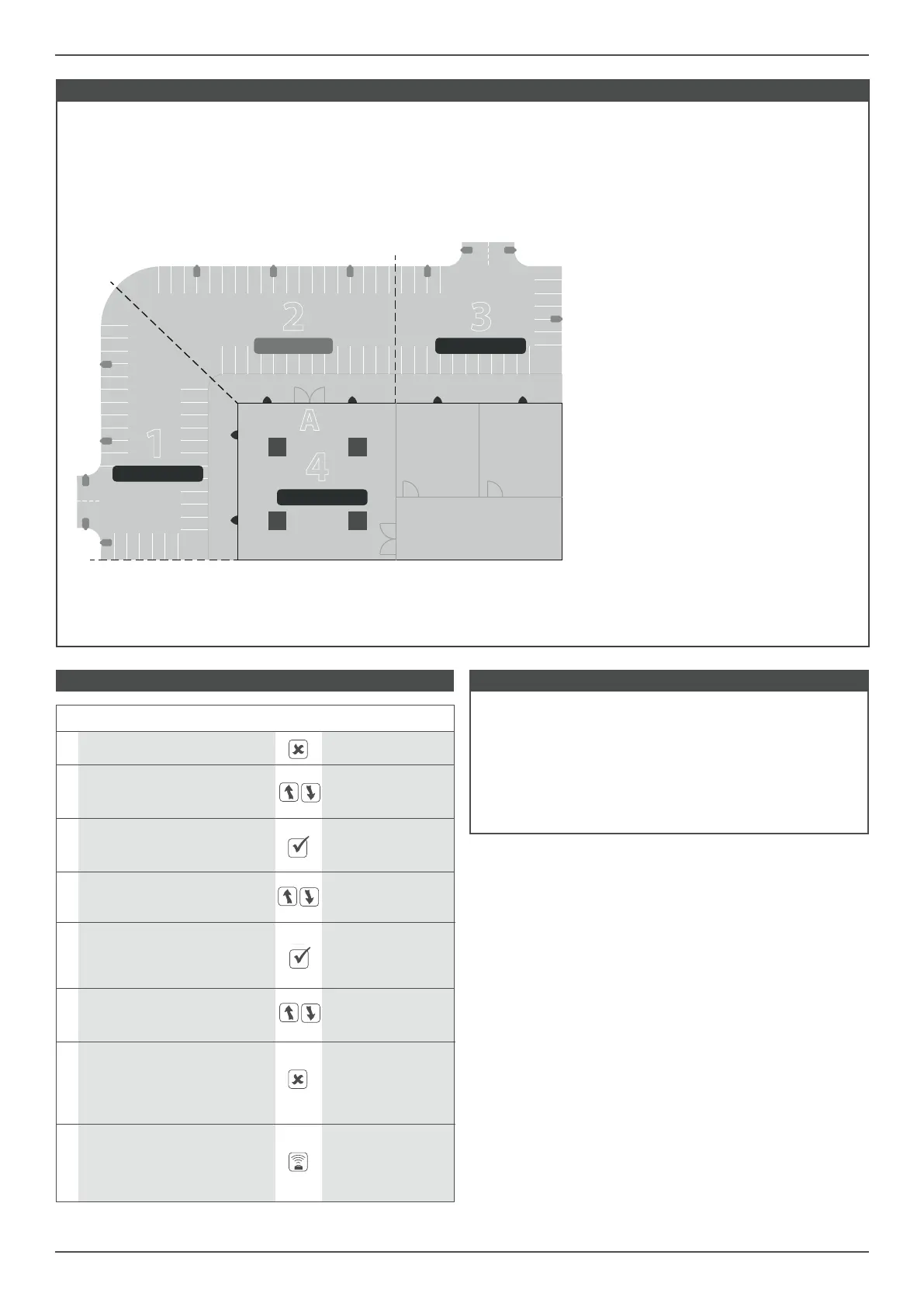
LINK ADDRESS - Example
PROGRAMMING:
All areas are set to the same unique building
address.
Each area is set to its own group address (1 to 4).
Two car park zones (1 and 3) and the lobby of
the building (4) are set to transmit link address
40.
The car park zone immediately outside the
entrance/exit (3) is set to receive link address 40.
OPERATION:
The car park zone outside the building entrance
(A) will illuminate when occupancy is detected
then switch o when vacated.
If movement is detected in any of the other car
park zones (1 and 3) the zone outside entrance
(A) will become illuminated, lighting the route
to the building.
If the luminaires in the lobby (4) detect
movement then the luminaires immediately
outside the entrance are turned on so that
anyone exiting the building will walk into a
well-lit space.
It may be desirable to set some of the
luminaires in the car park zones (1, 2 and 3) to
remain illuminated at 20% for security lighting.
The Link Address feature of SmartScan provides additional communication within a building, across dierent groups, to provide linking,
such that when one group is switched on another group can be switched on too.
EXAMPLE OF CAR PARK AND BUILDING
1
2 3
4
A
Link Transmit: 40
Link Receive: 40 Link Transmit: 40
Link Transmit: 40


 To Next Page
 Loading...