7
21LFT25430 Issue 6 PN 2307F Oct 17
PROGRAMMING ALL PARAMETERS AT ONCE
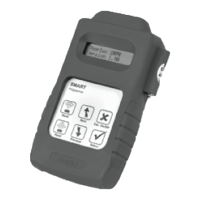
Now all parameters are memorised in the Smart Luminaire
(Please Note - each luminaire can have unique parameters if required)
NOTE: RF Transmit - can be enabled or disabled from the SmartScan menu
When disabled all radio transmissions are stopped.
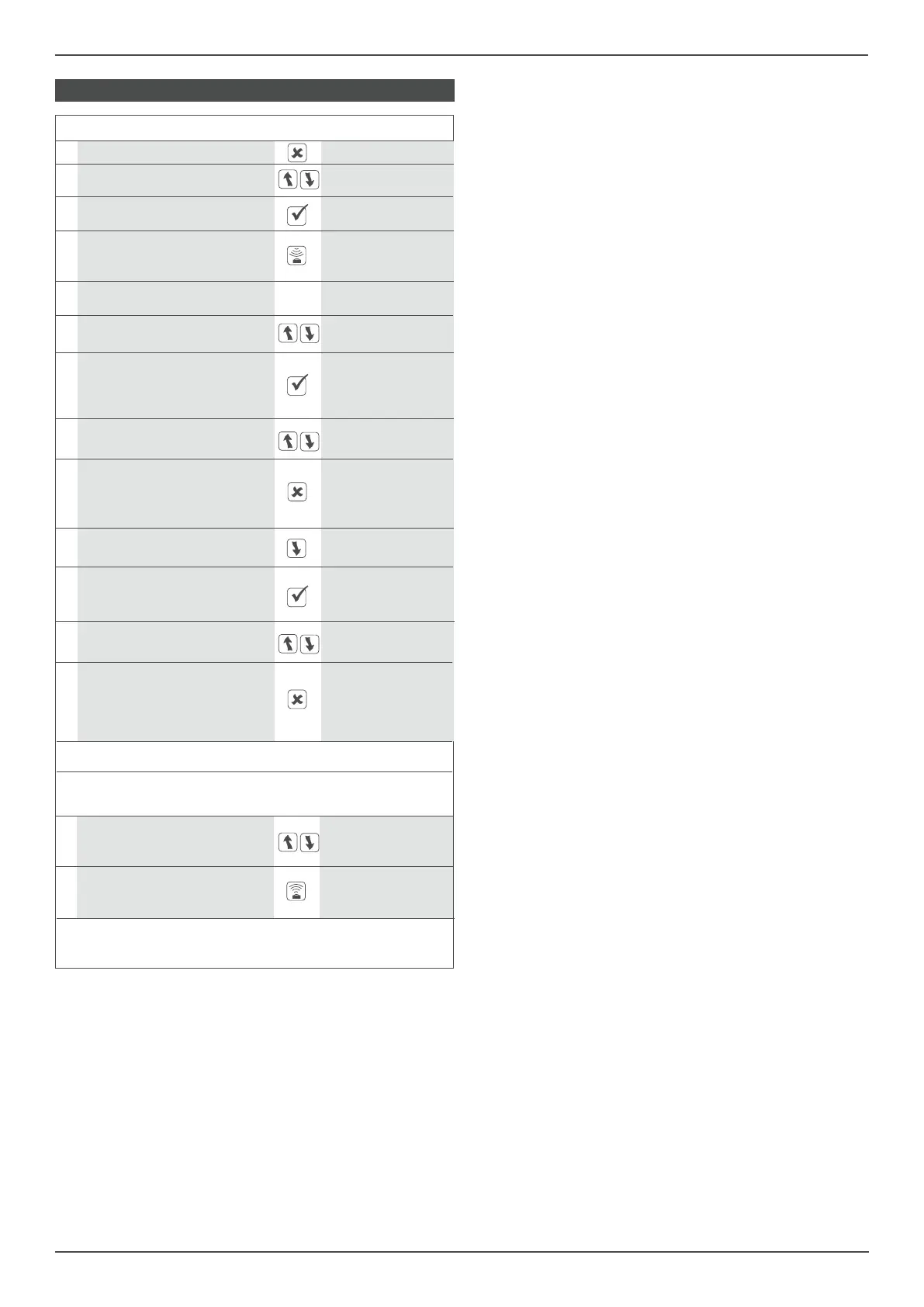
FUNCTION BUTTON DISPLAY
1 Switch on the Smart Programmer
2
Scroll to the
<SmartScan Sensors>
<SmartScan Sensors> menu
3
Select the menu download all
<SmartScan Sensors> <SmartScan only>
Load all the parameters from the
4 Smart Luminaire into the Smart
download all
Programmer
Reading..... OK
All parameters are now
5
memorised in the programmer.
6
Scroll to the building: 123
building setting address 1-254
To change the address press
the (Select) button. (A Star in the building: 123*
7
upper corner indicates access of address 1-254
the program mode).
8
Use the scroll buttons, to select building: 123*
the required address address 1-254
To exit the setting mode press
(Esc). The new selected value building: 123
9
will now be displayed on the address 1-254
rst line.
10
The next parameter can now group addr: 123
be selected address 1-254
Select this parameter. Option
11 name and current status are
group addr: 123*
now displayed on the top line.
address 1-254
16
Once all addresses have been program all
set scroll to program all <SmartScan only>
Press the send button,
program all
17 hold the programmer in place
Sending..... OK
until the screen reads OK
12
Use the scroll buttons, to select group addr: 123*
the required address address 1-254
To exit the setting mode press
(Esc). The new selected value group addr: 123
13
will now be displayed on the address 1-254
rst line.
14
Repeat the steps above to set device address in each area as required.
15
Set link TX (link transmit) and link RX (link receive)
addresses as required


 To Next Page
 Loading...