If you’d like to set up a WPS connection,
please follow the steps below.
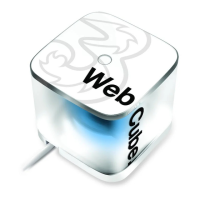
Make sure your Web Cube is
turned ‘On’.
Quickly press the ‘Power/WPS’
button. You are connected via
WPS when the network status light
flashes quickly.
You then need to activate the WPS
connection on your device (e.g. your
laptop). To find out how to do this,
have a look at the set-up guide that
came with the device that you are
trying to connect.
The unique codes are called SSID
(Mobile Broadband Wi-Fi Hub name)
and Wi-Fi Key (unique password).
You’ll find them on a sticker attached
to the back of this guide and on the
bottom of your Web Cube.
Security.
Your Web Cube is automatically password
protected with unique codes so that no-one else
can use your Wi-Fi connection. This is so you
can keep your details safe when you’re online.
9


 To Next Page