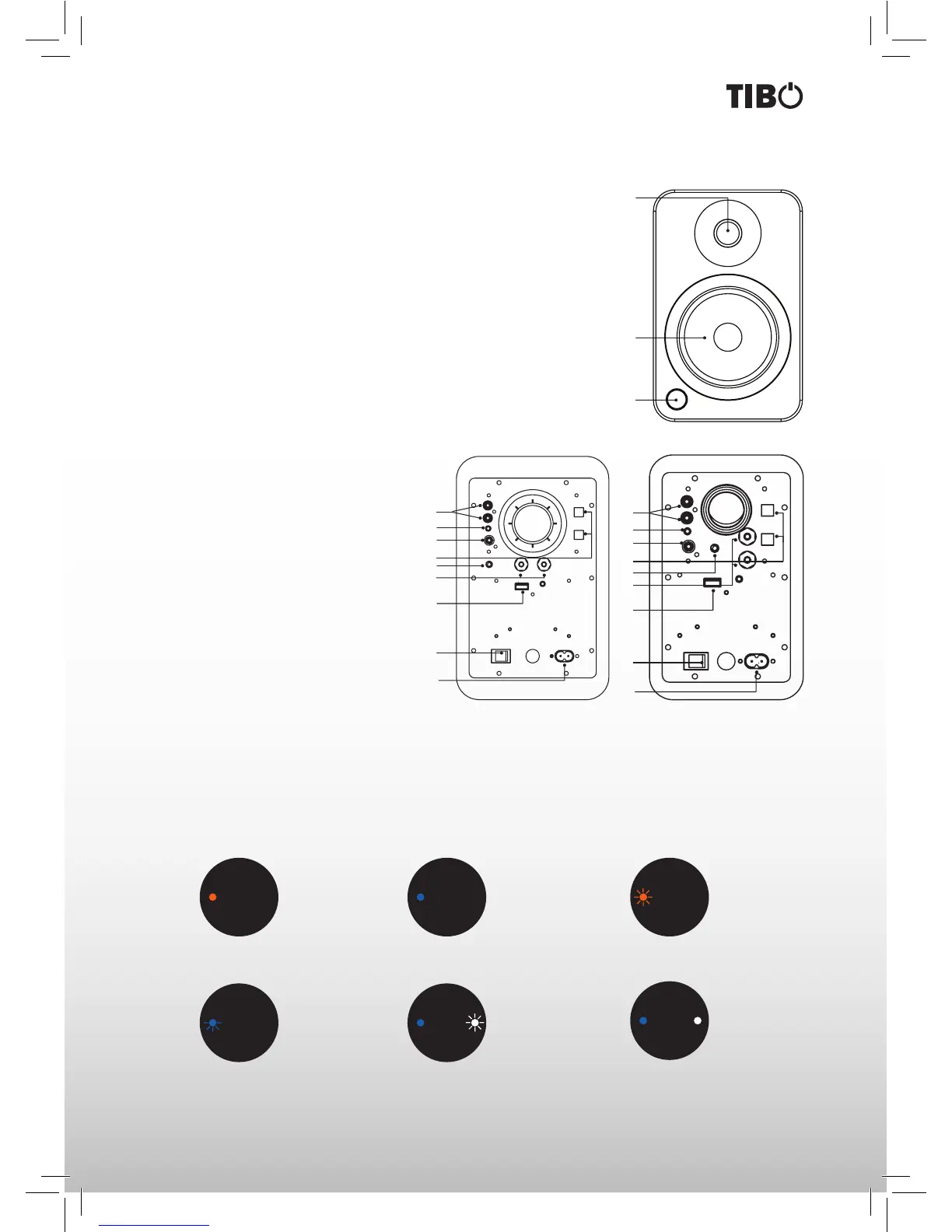
FRONT PANEL
1. Silk Dome Tweeter
2. Woofer Driver
3. LED Remote Control Sensor
REAR PANEL
4. RCA L/R Input
5. 3.5 mm Stereo Mini-Jack AUX Input
6. Subwoofer Output
7. Optical 1 and Optical 2 Inputs
8. Volume Knob
9. Right Channel Output Terminals (+ and −) for Passive Speaker Connection
10. USB Charge Port (5 V 2.1A)
11. ON / OFF Switch
12. AC Input Connection (100 V - 240 V 50/60 Hz)
Volume/Input Select Knob
Speakers volume knob functions as an input
select knob as well.
Push the knob to select an input source
- it cycles through the following inputs
depending on what input source was last
used.
RCAAUXOPT1OPT2BLUETOOTH
Press and hold volume knob for few seconds
to switch Plus system ON of OFF.
The Plus speaker System has a multifunctional display that lights up in response to a remote control command.
The possible readouts and their meanings are shown below.
Orange Light
Plus speakers are in Stand by mode.
Blue Light
Plus speakers are in Operating mode.
Flashing Orange Light
Plus speakers are in Mute mode.
Blinking Blue Light
Increase/Decrease: Volume/Bass/Treble.
Switch between inputs.
Flashing White and Steady Blue Light
Plus speakers are in Bluetooth Pairing
mode.
Steady White and Steady Blue Light
Plus speakers are in Bluetooth Playing
mode.
FRONT & REAR PANELS
DISPLAY INDICATIONS
2
3
1
5
4
6
8
7
9
10
11
12
8
5
4
6
7
9
10
11
12
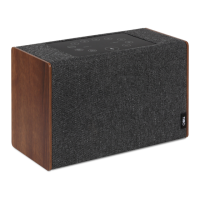
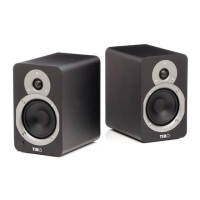
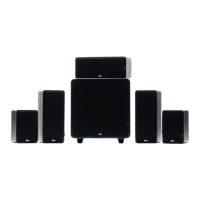
Plus 2 Speakers Plus 3 Speakers



 To Next Page