13
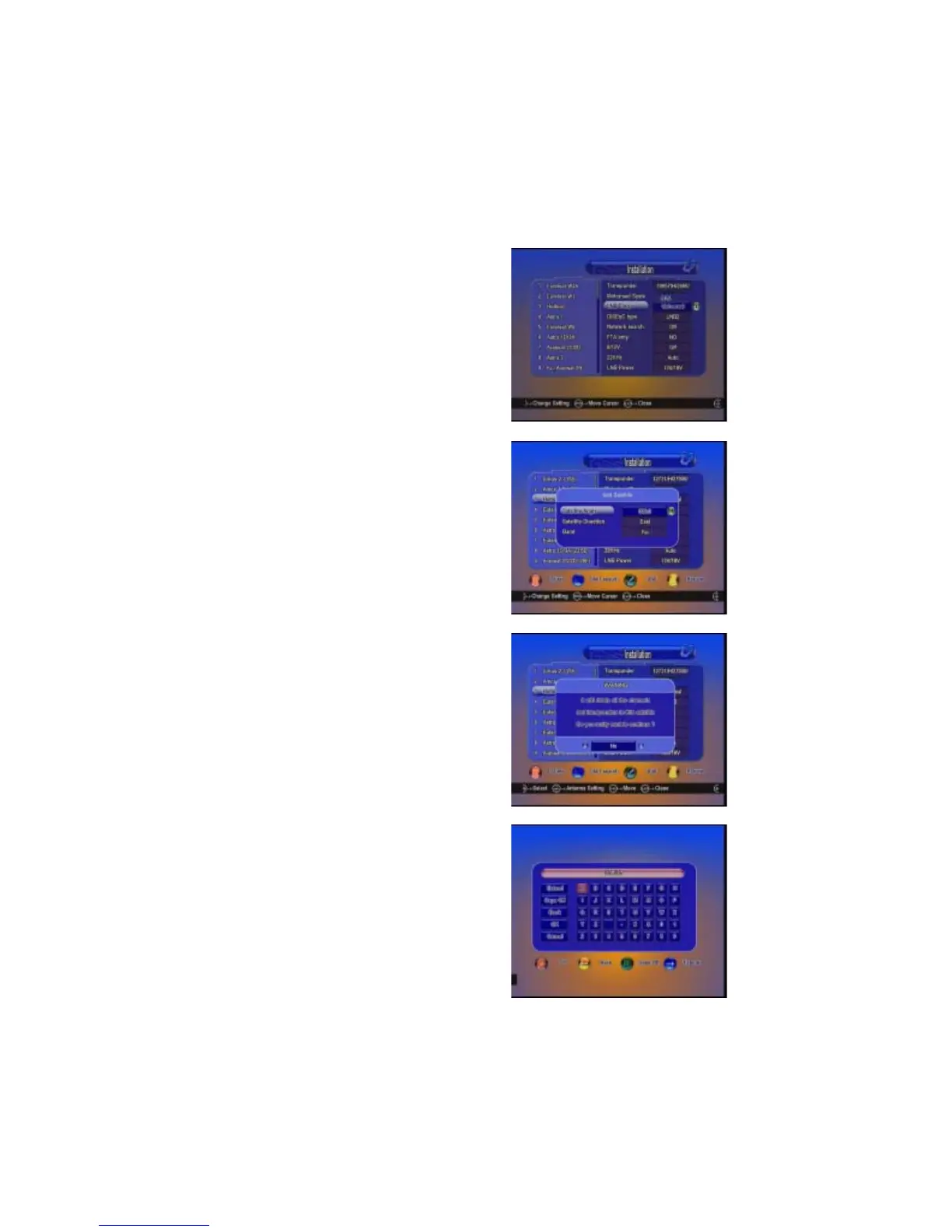
C : Satellite Edit
C-1 : Add satellite
Press Green button to add satellite,here
you can input new positon and other
details,OK to confirm the setting,and this
new satellite will be added to the end of the
satellite list.
C-2 : Delete satellite
Press Red button to delete satellite.You will
get a warning message to ask you confirm
the delete. After you confirm, all TP and
channel in this satellite will be deleted.
C-3 : Rename satellite
Press Yellow button to rename satellite.
A: Antenna setup
Press Right button on RCU and move to
the antenna setting,here to setup the
correct LNB frequency,switch Type(None,
LNB 1...LNB 4,burst A,burstB,Auto).
B : LNB frequency and power
Here you need to check the LNB
frequency according to your antenna,set
the correct frequency or define yourself,
and keep LNB power be 13V/18V.


 To Next Page