14
E: Transponder list
Here select transponder list by S/T
button,press OK button.Here you can Add,
Edit, Delete transponder under the
satellite you selected.
E-1: Add TP
Press Green button you will get this window, and here you can input the
frequency, polarization, symbol rate and FEC to add a new transponder, press
OK to confirm the setting.
E-2: Delete TP
Press Red key to delete the select TP with your confirm.
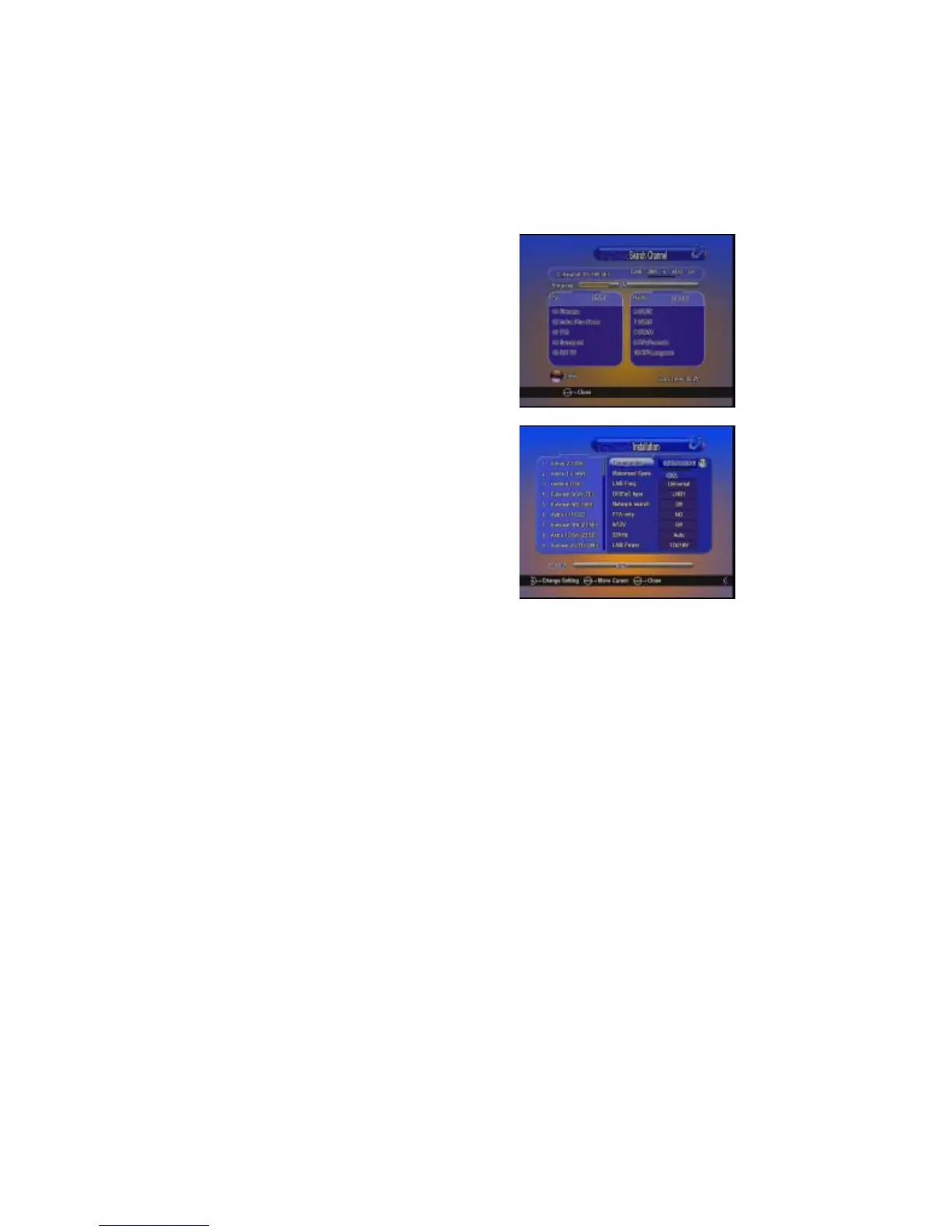
E-3: Search channel
After selecting transponders,you can press Blue button to start search
channels.During searching the TV channel and Radio channel will be listed
separately.
E-4: Edit PID
Press Yellow key to enter PID menu, here you can Add, Delete , sRename a
channel.
E-4.1 Add PID
Press Green button, you can add one channel by inputting the PID.
D :Multi Satellites Search
After selecting satellites,you can press
Blue button to start search channels.
During searching the TV channel and
Radio channel will be listed separately.


 To Next Page