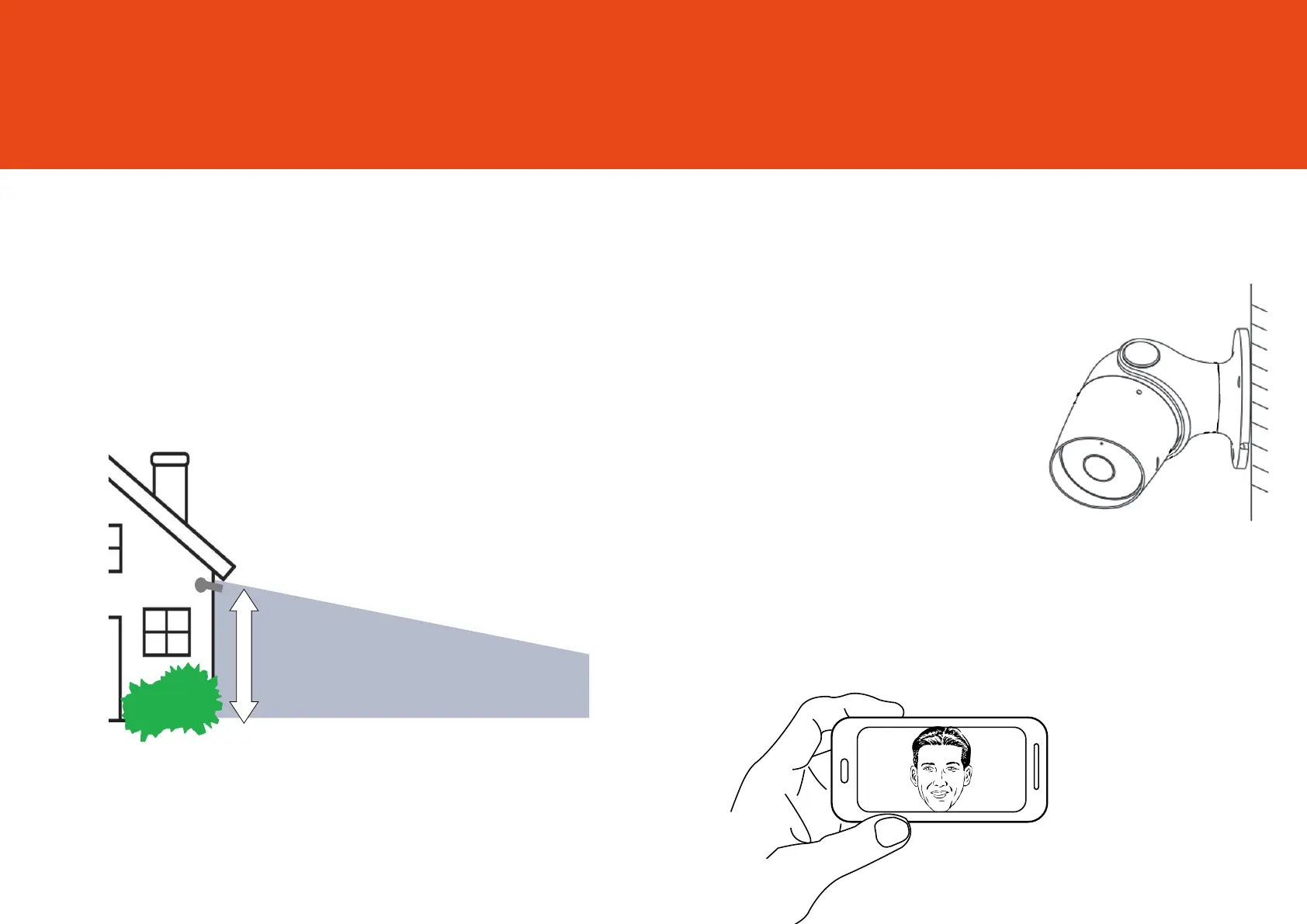
3 Metres
Installing Oscar
4
Choose a good spot
Oscar3 has an adjustable head and a wide eld of view so
you can position it in any direction you want.
We recommend that you mount Oscar at around 3 metres
above the ground, this is the ideal position for Oscar to
sense movement, see faces and talk through the speaker
and microphone.
Ensure that Oscar is mounted in a position that allows you
to see over a large area of your home and surroundings
with an unblocked, clear view.
Test the Wi-Fi signal
Before mounting Oscar, we recommend that you test the
Wi-Fi strength in the area that you’d like to place it. Ensure
Oscar is still plugged in to a mains power supply and take
it outdoors.
Hold Oscar in the position that you
would like to mount it and check that
the live stream is working well in
the app.
Working well? Great, continue to the
next page.
Can’t see the live stream? Your Wi-Fi may not be strong
enough in that area, you may need to nd another sp
ot or
move your Wi-Fi router closer.



 To Next Page