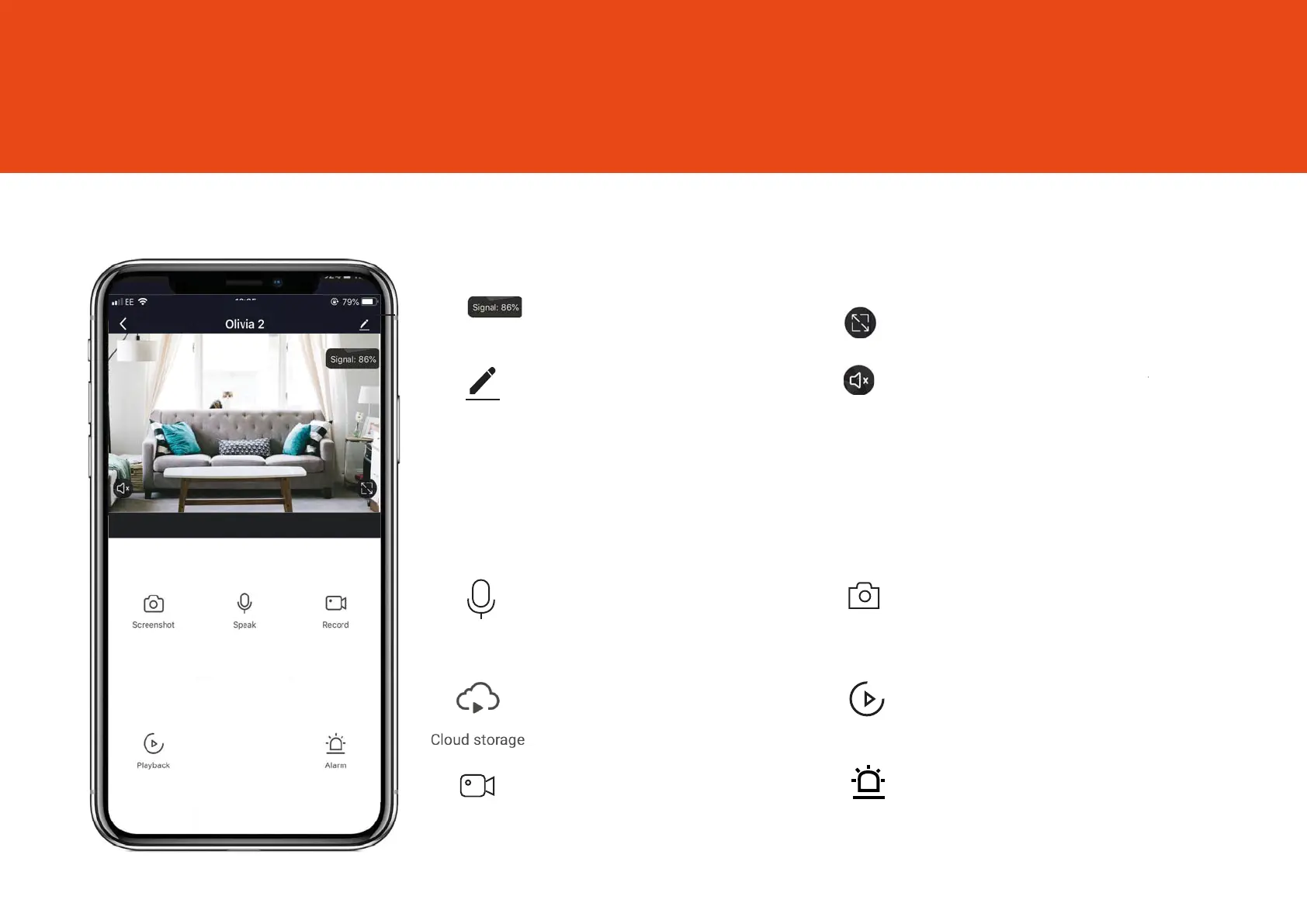
Select to speak into the camera
Live View
5
Once setup is complete, select Oscar3 in the Clan at Home app
kcabyalP
tohsneesr
Speak
Record
Alarm
Save a screenshot on your
smartphone gallery
See recorded footage on the SD card
Record live footage onto your
smartphone memory
Turn on to get instant alerts to your
phone when there’s movement
See more Settings
See Full-Screen
Turn the speaker on or o
See your Wi-Fi Signal Strength
See recorded footage on
the cloud
Oscar3



 To Next Page