7 8
7. The programmes and clock time can now be set.
If display was blank prior to switching on power,
allow the battery to charge for at least 2 to 4
hours prior to programming.
8. Replace transparent front cover.
Rail Mounting
For rail mounting use the quick fixing Part No. 907-0-071
which can be supplied as an optional extra.
6. Programming
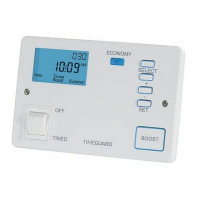
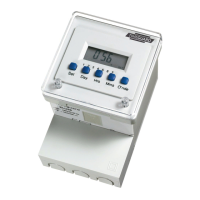
• Five setting buttons are on the face of the unit.
• The Set button is used to sequence the module
in programming mode.
• The Day, Hrs and Mins buttons are used to set
the days, hours and minutes required.
• ON/OFF programmes can also be overridden
till the third subsequent programme change
by using the O’ride button.
• To prepare the module for programming clear the
memory by pressing both the Set and Day buttons
simultaneously until the display disappears.
On releasing the buttons the display will show
0:00 INT with the colon flashing.


 To Next Page