8
6a Setting the Clock Time
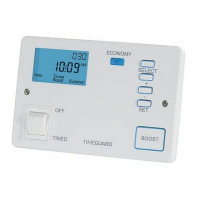
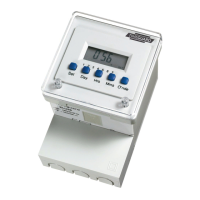
• To set the clock time press the Set button briefly
and release, the display will show
0:00
INT
with “C”
flashing at the right of the display.
• Press the Day button until the black indicator
shows the desired day of the week (1-7)
i.e. Monday-Sunday.
• Use the Hrs button to set the hours followed by
the Mins button to set the minutes to the actual
clock time. Holding down the either the Hrs or Mins
buttons will achieve a rapid selection.
• If the Set button is now pressed briefly and then
released, the display will return to the correct time
of day with the colon flashing.
• The module is now in its operating condition
and will switch “ON” and “OFF” according to
the programmes set. To alter the clock setting
subsequently there is no need to clear the
memory first.
• Note: Pauses of 15 seconds or more during setting
the clock will result in an automatic return to the
operating condition.


 To Next Page