14
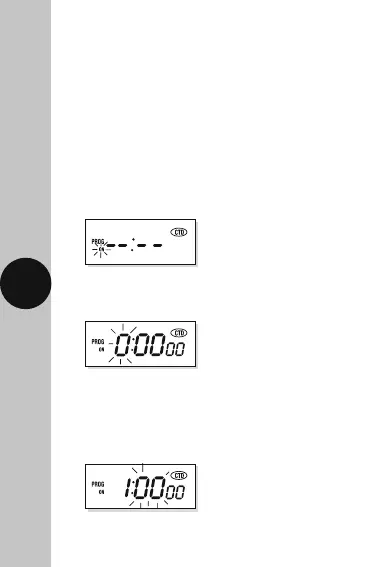
• Press the right arrow button ’→’ to select the
hour of your ON period (in this case 1).
Press the ‘SET’ button to save, and the minute
digit will start to flash.
• Press the ‘SET’ button once and the hour digit
will start to flash.
9. Countdown mode
You are able to use the TG77 as a simple count
down time switch, initiated from a manual start.
The programmed countdown period can be from
1 second to 24 hours. The example countdown period
used here is 1 hour 10 minutes and 30 seconds.
• From normal operating mode, press the left
arrow button ‘
→
’ once. The display will show
the following with ‘ON’ flashing.












 To Next Page