5 6
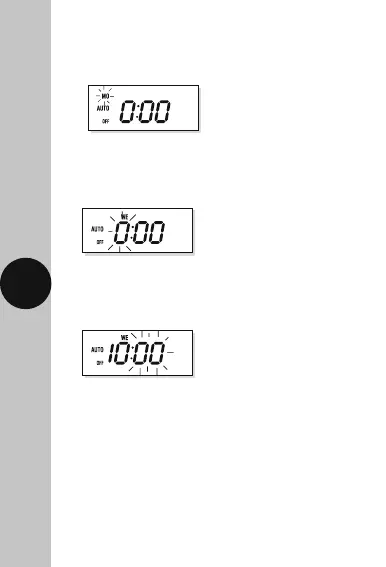
• Press and hold the ‘SET’ button until the day of the
week indicator, located in the top left hand corner
of the display, starts flashing. Release the button.
• Press the right arrow button ‘→’ to select the
current day of the week and press the ‘SET’ button
to save. The hour digit will start to flash.
• Press the right arrow button ‘→’ to select the
minutes and press the ‘SET’ button to save.
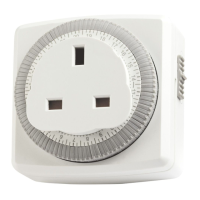
• The TG77 is now in operation mode with the
time display and colon flashing.
• Press the right arrow button ‘→’ to select the
current hour of day and press the ‘SET’ button to
save. The minute digit will start to flash.












 To Next Page