4 5
4. Charging Battery
and Resetting
• Plug the TG77 into a live socket for 4 hours to
fully charge the battery, in order to bring the
display ON (if blank).
• Press reset button, marked ‘R’ on diagram A, using
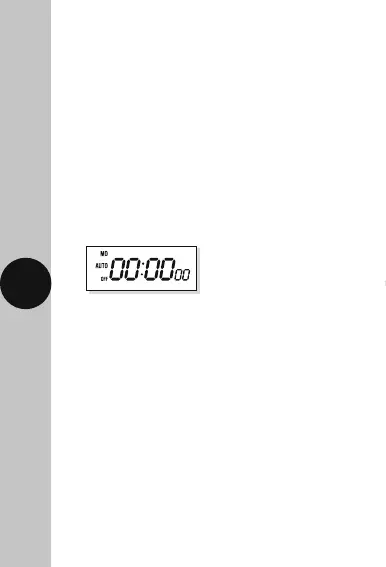
a pointed object (e.g. a pencil). The display will
show its full set of characters and clear to show;
Note: The colon between hours and minutes will
flash and the seconds begin to advance.
5. Setting the Time
and Current Day
Note: This device has a 5 second ‘time-out’ feature.
Once you start programming, if you leave the device
for more than 5 seconds without pressing a button,
the device will think you have finished and will
automatically return back to normal operating mode.
The example time and day used here is Wednesday
at 10:00 o’clock.












 To Next Page