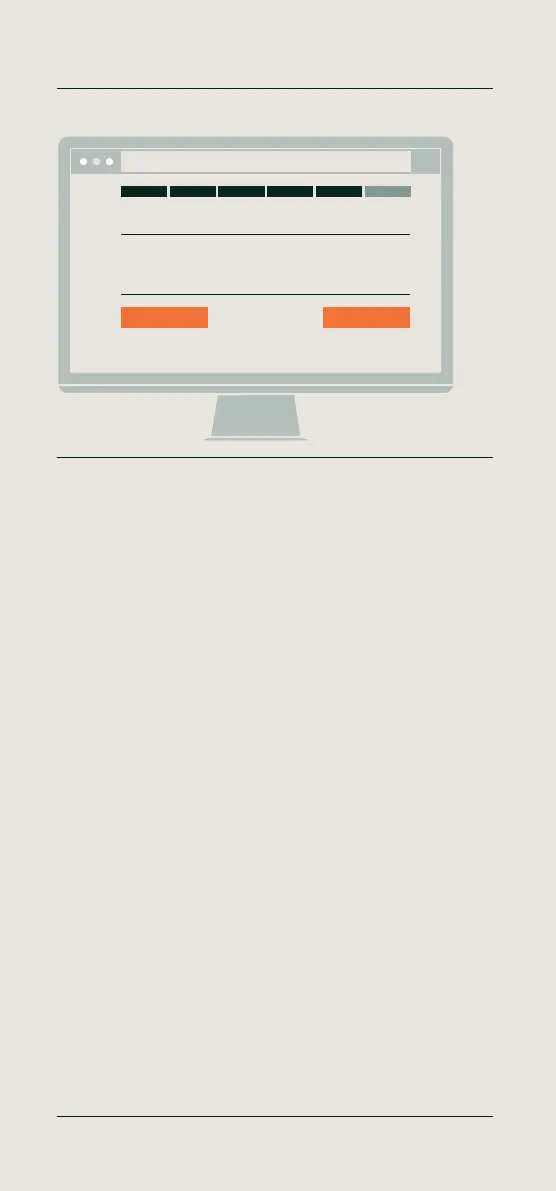
English - Confirm your settings
Confirm your settings by clicking ‘Next’ or click ‘Change’ to adjust your
chosen settings.
Deutsch - Einstellungen bestätigen
Bestätigen Sie Ihre Einstellungen, indem Sie auf „Weiter“ klicken, oder
klicken Sie auf „Ändern“ und passen Sie die gewählten Einstellungen an.
Français - Confirmez vos paramètres
Confirmez vos paramètres en cliquant sur «Suivant» ou cliquez sur
«Changer» pour modifier les paramètres choisis.
Nederlands - Uw instellingen bevestigen
Bevestig uw instellingen door op ‘Volgende’ te klikken of door op
‘Verander’ te klikken om uw gekozen instellingen aan te passen.
Español - Confirme sus ajustes
Confirme sus ajustes haciendo clic en “”Siguiente”” o haga clic en
“”Cambiar”” para modificarlos.
Italiano - Conferma le impostazioni
Conferma le impostazioni facendo clic su “”Next”” oppure fai clic su
“”Cambia”” per modificare le opzioni scelte.
11 Setup your device
Confirm your settings
Next Change
Confirm your settings
http://192.168.8.1
More info, articles, tutorials & videos
TM1 and PC Plus Software: support.timemoto.com | TM2: help.timemoto.com


 To Next Page