English - Setup your device
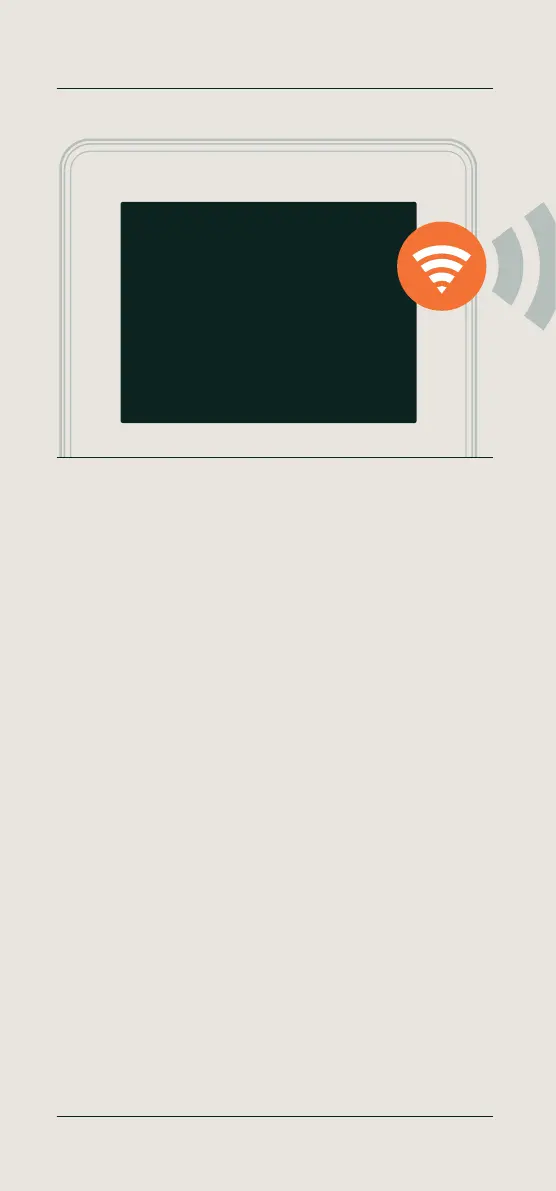
After plug in, the welcome screen of the TimeMoto device shows ‘SSID:
TimeMoto-......’ followed by a six-digit number.
The device now creates a temporary network.
Deutsch - Gerät einrichten
Nach dem Anschließen zeigt das Startbild des TimeMoto-Geräts die
Meldung „SSID: TimeMoto-......“ gefolgt von einer sechsstelligen Zahl.
Das Gerät erstellt nun ein temporäres Netzwerk.
Français - Configurez votre appareil
Après le branchement, l’écran d’accueil du dispositif TimeMoto affiche
«SSID: TimeMoto-......» suivi par un numéro à six chiffres.
L’appareil crée maintenant un réseau temporaire.
Nederlands - Uw apparaat instellen
Na het aansluiten verschijnt op het beginscherm van uw TimeMoto
apparaat: ‘SSID: TimeMoto-......’ gevolgd door een zescijferig nummer.
Het apparaat maakt nu een tijdelijk netwerk aan.
Español - Configure su dispositivo
Tras conectarlo, la pantalla de bienvenida del dispositivo TimeMoto
muestra “”SSID: TimeMoto-......” tras un número de seis dígitos.
El dispositivo creará una red temporal.
Italiano - Configura il dispositivo
Dopo aver effettuato il collegamento, la schermata iniziale del dispositivo
TimeMoto visualizza “”SSID: TimeMoto-......”” seguito da un numero a sei
cifre. Il dispositivo crea quindi una rete temporanea.
04 Setup your device
Welcome
See Quick Installation Guide
SSID: TimeMoto-123456
More info, articles, tutorials & videos
TM1 and PC Plus Software: support.timemoto.com | TM2: help.timemoto.com


 To Next Page