Next
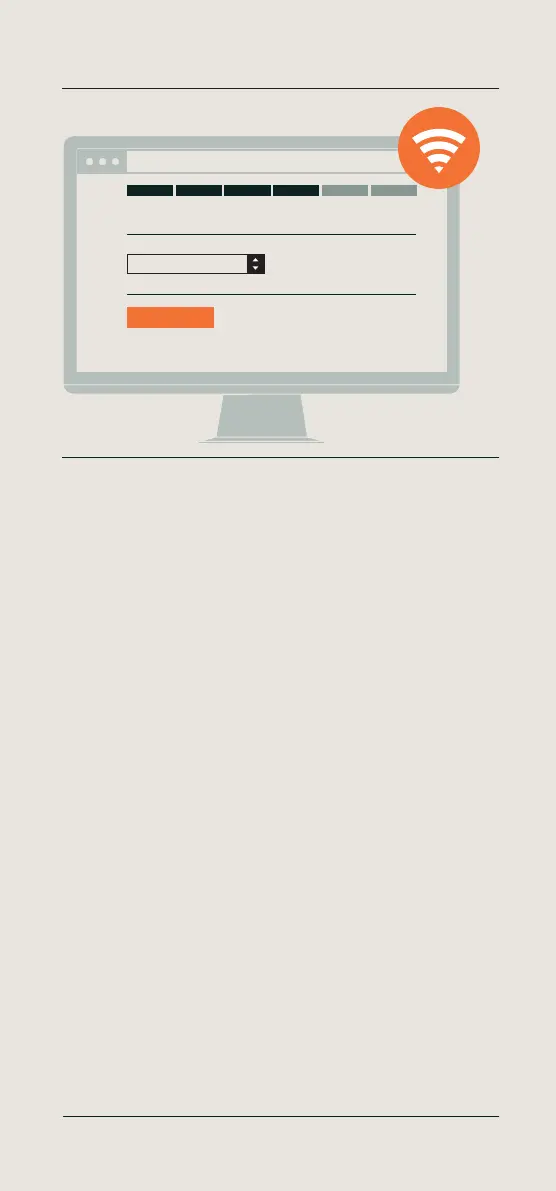
Your Wi-Fi network
http://192.168.8.1
Wi-Fi
English - Enter your Wi-Fi network details
Select your Wi-Fi network. Enter your password.
Click ‘Next’.
Deutsch - Geben Sie Ihre WLAN-Angaben ein
Wählen Sie Ihr WLAN aus. Geben Sie Ihr Passwort ein.
Klicken Sie auf „Weiter“.
Français - Saisissez les coordonnées réseau de votre réseau Wi-Fi
Sélectionnez votre réseau Wi-Fi. Saisissez votre mot de passe.
Cliquez sur «Suivant».
Nederlands - De netwerkgegevens van uw Wi-Fi netwerk invoeren
Selecteer uw Wi-Fi netwerk. Voer uw wachtwoord in.
Klik op ‘Volgende’.
Español - Introduzca los datos de su red Wi-Fi
Seleccione su red Wi-Fi. Introduzca su contraseña.
Haga clic en “Siguiente”.
Italiano - Inserisci le informazioni sulla tua rete Wi-Fi
Seleziona la tua rete Wi-Fi. Inserisci la password.
Fai clic su “Avanti”.
10 Setup your device
Enter your Wi-Fi network details
More info, articles, tutorials & videos
TM1 and PC Plus Software: support.timemoto.com | TM2: help.timemoto.com


 To Next Page