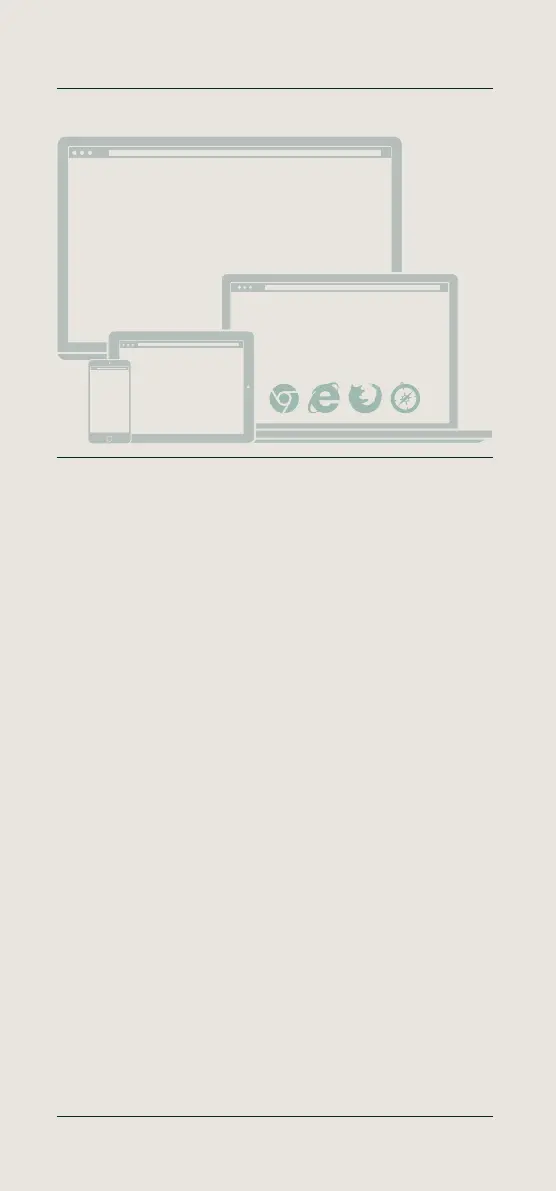
English - Launch an internet browser
Launch an internet browser on your connected PC, laptop, tablet or
smartphone. Enter the following address in the URL bar:
http://192.168.8.1. Your PC, laptop, tablet or smartphone will display the
TimeMoto setup.
Deutsch - Internetbrowser starten
Starten Sie einen Internetbrowser auf Ihrem angeschlossenen PC,
Laptop, Tablet oder Smartphone. Geben Sie in der URL-Leiste folgende
Adresse ein: http://192.168.8.1. Auf Ihrem PC, Laptop, Tablet oder
Smartphone wird das TimeMoto-Setup angezeigt.
Français - Lancez un navigateur Web
Lancez un navigateur Web sur votre PC, PC portable, tablette ou
smartphone connecté. Saisissez l’adresse suivante dans la barre URL :
http://192.168.8.1. Votre PC, PC portable, tablette ou smartphone
affichera la configuration de TimeMoto.
Nederlands - Een internetbrowser starten
Start een internetbrowser op de verbonden PC, laptop, tablet of
smartphone. Voer in de URL-balk het Volgende adres in:
http://192.168.8.1. Uw PC, laptop, tablet of smartphone toont de
TimeMoto setup.
Español - Abra un navegador de Internet
Abra un navegador de Internet en su PC, portátil, tablet o smartphone
conectado. Introduzca la siguiente dirección en la barra de URL:
http://192.168.8.1. Su PC, portátil, tablet o smartphone mostrará la
pantalla de configuración de TimeMoto.
Italiano - Apri un browser Internet
Apri un browser Internet sul tuo PC, laptop, tablet o smartphone
connesso. Immetti il seguente indirizzo nella barra dell’URL:
http://192.168.8.1. Il tuo PC, laptop, tablet o smartphone visualizzerà la
schermata di configurazione di TimeMoto.
06 Setup your device
Launch an internet browser
http://192.168.8.1
http://192.168.8.1
http://192.168.8.1
More info, articles, tutorials & videos
TM1 and PC Plus Software: support.timemoto.com | TM2: help.timemoto.com


 To Next Page