TIMEX
®
IRONMAN
®
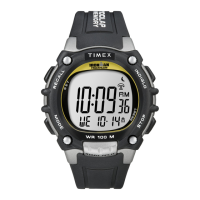
Classic 50 Move+ Owner’s Manual Page 14
APPOINTMENTS
Your TIMEX IRONMAN Classic 50 Move+ can hold up to 50 appointments. Please see the TIMEX
Connected app instructions for detailed instructions about managing appointments.
Your TIMEX IRONMAN Classic 50 Move+ will alert you when you have an upcoming appointment. Alerts
will be 2 hours, 1 hour, 30 minutes or 15 minutes before the appointment time (based on the reminder
setting tied to the appointment).
After syncing your appointments with your Classic 50 Move+, review the appointments by doing the
following:
1. Push the Mode button until APPT appears on the screen.
2. Push the Start/Split and/or Stop/Reset buttons to scroll through your available appointments.
NOTE: The “End of List” screen signifies the end of the available appointments list. Scrolling down past
that screen will take you to the first appointment in the list.



 To Next Page
 Loading...