
 Need help?
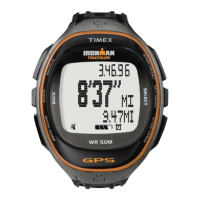
Do you have a question about the Timex Ironman Run and is the answer not in the manual?
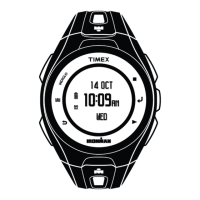
Activates night-light for a few seconds or turns on Night-Mode/constant-on lighting.
Searches for GPS signal or navigates back in menus. Opens SENSOR menu when held.
Cycles through modes or confirms selections in menus. Exits submenus when done.
Starts workouts, takes splits, or moves down in menus/lists.
 General
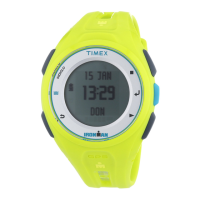
| Model | Ironman Run |
|---|---|
| Display Type | Digital |
| Alarm | Yes |
| Chronograph | Yes |
| Stopwatch | Yes |
| Interval Timer | Yes |
| Countdown Timer | Yes |
| Strap Material | Resin |





 To Next Page