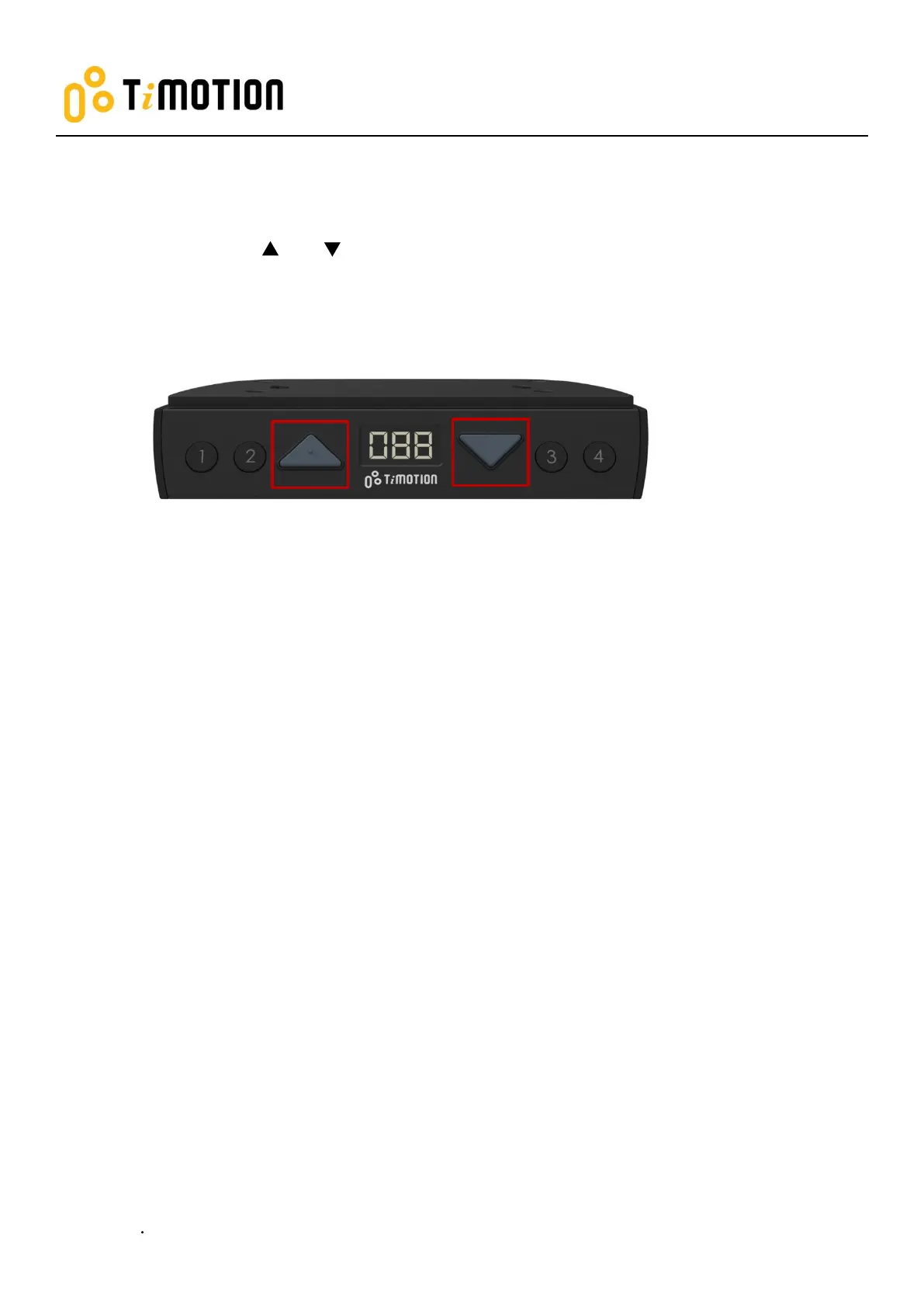
2. Reset
1. Simultaneously press and for 3 seconds. Continue pressing the buttons until both columns are
in the lowest position. When finished with the reset, the control box will make a “beep” sound, and the
buttons can be released.
2. When finished with the reset, the display will show the starting height.
3. Users must conduct a reset when operating the desk for the first time.


 To Next Page