6. Presetting the Desk Starting Height
(1) Press the button until the desk reaches its lowest position, then release the button. Re-press
button again for 5 seconds, and the digital display will flash for 10 seconds.
(2) Adjust the starting height number with the or button.
(3) After 10 seconds, the display will stop flashing and this will confirm that you have successfully set the
starting height.
7. Switching Metric and Imperial Unit
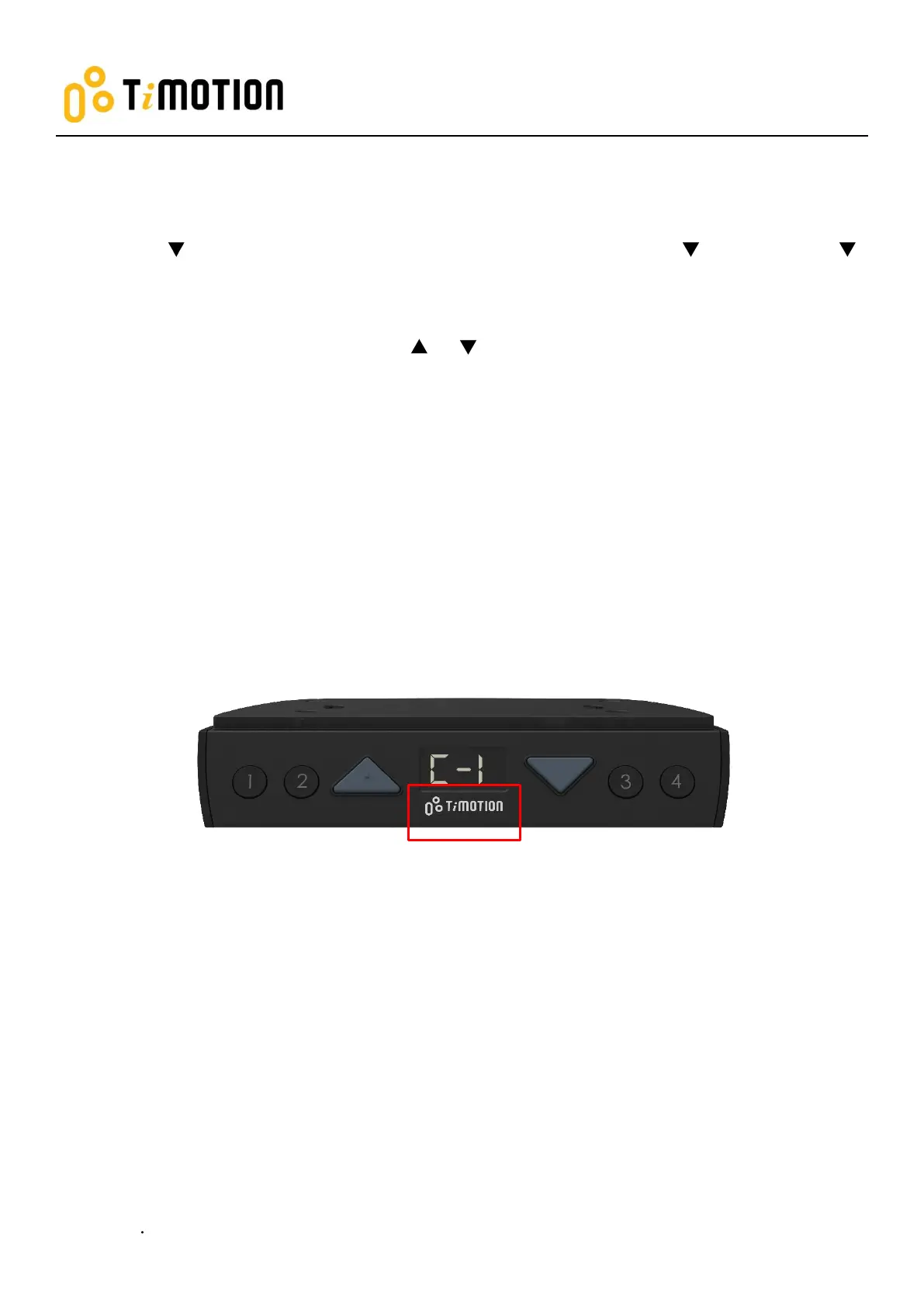
(1) Press memory buttons 1, 2, and 4 for 5 seconds.
(2) The digital display will show “C-I”. If no further instructions is input within 5 seconds, the system reverts
to normal operation mode.
How to choose a metric unit
Press button 2, the digital display will show “C” to stand for centimeter.
How to choose an imperial unit
Press button 3, the digital display will show “I” to stand for inch.


 To Next Page