4 REV. 00
2. Short press Menu/Enter to go to Menu, press it again to display DAB frequency.
3. Short press TUN+/TUN- to adjust frequency between 5A to 13F, then press Menu/Enter to confirm. Screen will
display signal strength where DAB is available, press Menu/Enter to store and play the searched stations. The
unit will return from Manual tune automatically.
4. Repeat above operation to search more stations manually.
FM FUNCTION
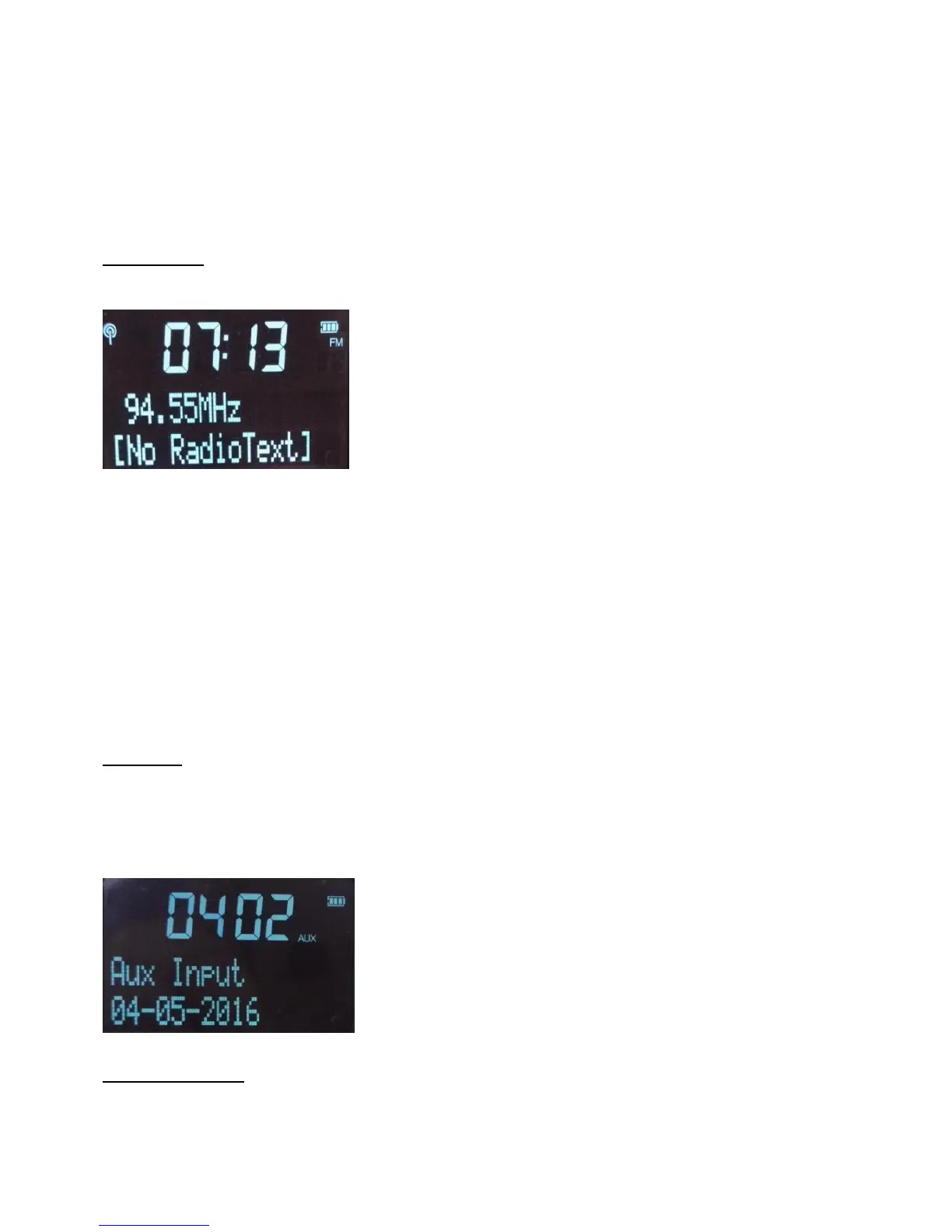
Press DAB/FM to go to FM mode, signal strength will be displayed on screen.
Auto tuning
1. Long press TUNE+ to activate auto tuning upwards at 50KHz step, the unit will stop searching and play the 1
st
searched stations.
2. Long press TUNE- to activate auto tuning downwards at 50KHz step, the unit will stop searching and play the 1
st
searched stations.
3. Long press Menu/Enter to activate auto tuning upwards at 50KHz step, the unit will stop searching and play the
1
st
searched stations.
Manual tuning
Under FM mode, short press TUNE+/- to step up or down 50KHz.
AUX INPUT
1. Press DAB/FM button to switch to AUX model, screen will display Aux Input.
2. Connect AUX port to other audio devices via the AUX cable supplied to play music.
3. Adjust volume by either audio devices themselves or volume wheel.
4. The unit will turn off automatically if no play via AUX after 10 minutes to save power.
USING BLUETOOTH
If your phone or tablet is capable of storing audio files, you can use Bluetooth to stream any music stored on your phone
or tablet to the unit.



 To Next Page