5 REV. 00
Note: Adding a Bluetooth device varies on different mobile devices. See your Bluetooth mobile device manual for
specific information.
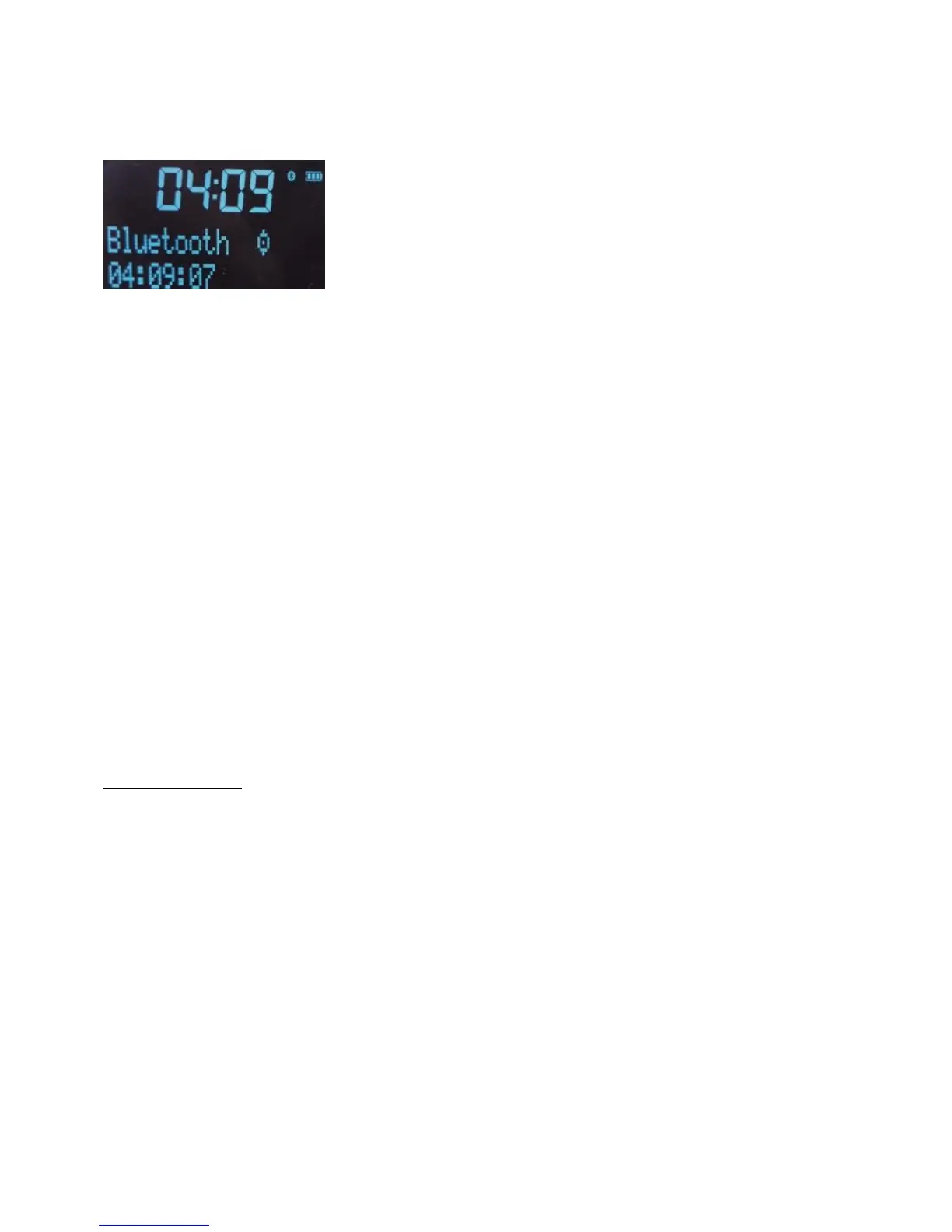
1. Press Bluetooth button to switch to Bluetooth mode, screen will display Bluetooth and a flash dot which means the
unit is standby to pair.
2. Enable Bluetooth on your mobile device.
3. On your mobile device, select the option to add a new Bluetooth device. On some mobile devices you may need to
select the search or scan option.
4. Start the pairing process on your mobile device. Do this by selecting ‘Tiny Audio’ from the list of available devices
that appear on the mobile device’s screen. This will connect automatically once paired.
5. Short press Play/Pause control play.
6. Short press PREVIOUS/NEXT to go to previous or next track.
Any audio you play on your mobile device will now be streamed to the unit.
Note: You will need to disconnect any connected mobile Bluetooth devices from the unit to stream from
a different Bluetooth device. Bluetooth will automatically disconnect if you go out of range of the unit. To manually
disconnect you will usually need to use the Bluetooth settings on your mobile device.
Note: Some legacy Bluetooth devices may prompt you to enter a passcode when trying to pair with the unit. If this
occurs, enter the code 0000.
GENERAL SETTING
Info function
Under DAB mode, short press INFO to display below information.
Signal Strength
Program type
Ensemble/Multiplex
Frequency
Transfer Rate
Time/date/Radio Text
Under FM mode, short press INFO to display below information
Signal Strength
Program type
Frequency
Auto/Stereo/Mono
Time/date/Radio Text
Under AUX mode, short press INFO to display Time/Date



 To Next Page