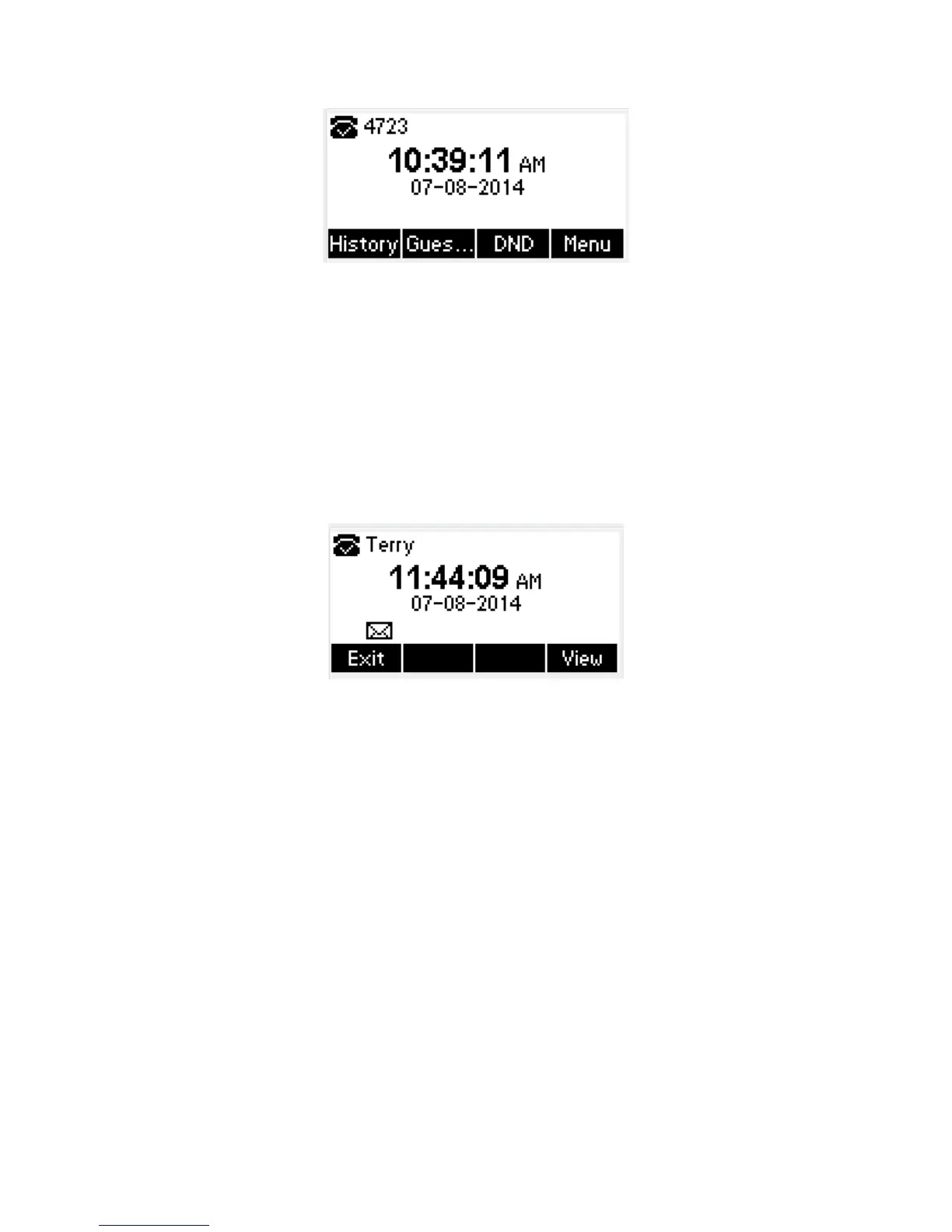
The extension number 4723 is ready for use
3.20.Application
3.20.1. Text Message
The IP phone Tiptel3210 can send and answer text message. The phone will make a “Du”
sound and a twinkling message icon will appear.
Note: Not all servers support message feature.
Read Text Message
1. Access Menu->Message->Text Message-> In box
2. Press the OK key on the phone keyboard or the Enter soft key to enter the Text Message
interface, Press the OK key on the phone keyboard or the Enter soft key to enter the in-box
interface.
3. Select the message you will read and Press the OK key on the phone keyboard or the Enter
soft key to read.
Send Text Message
1. In the Idle, press the Menu soft key
2. In the mail menu interface, press the Down key on the phone keyboard to select Message,
press the OK key on the phone keyboard or the Enter soft key to enter Message interface.:
3. In the Text Message interface, select “New Message”; Press the OK key on the phone



 To Next Page