5.WEB Interface
Web user interface (we will used Web UI for short in the following context) which is used for
user or administration to check or change the IP SIP phone’s settings.
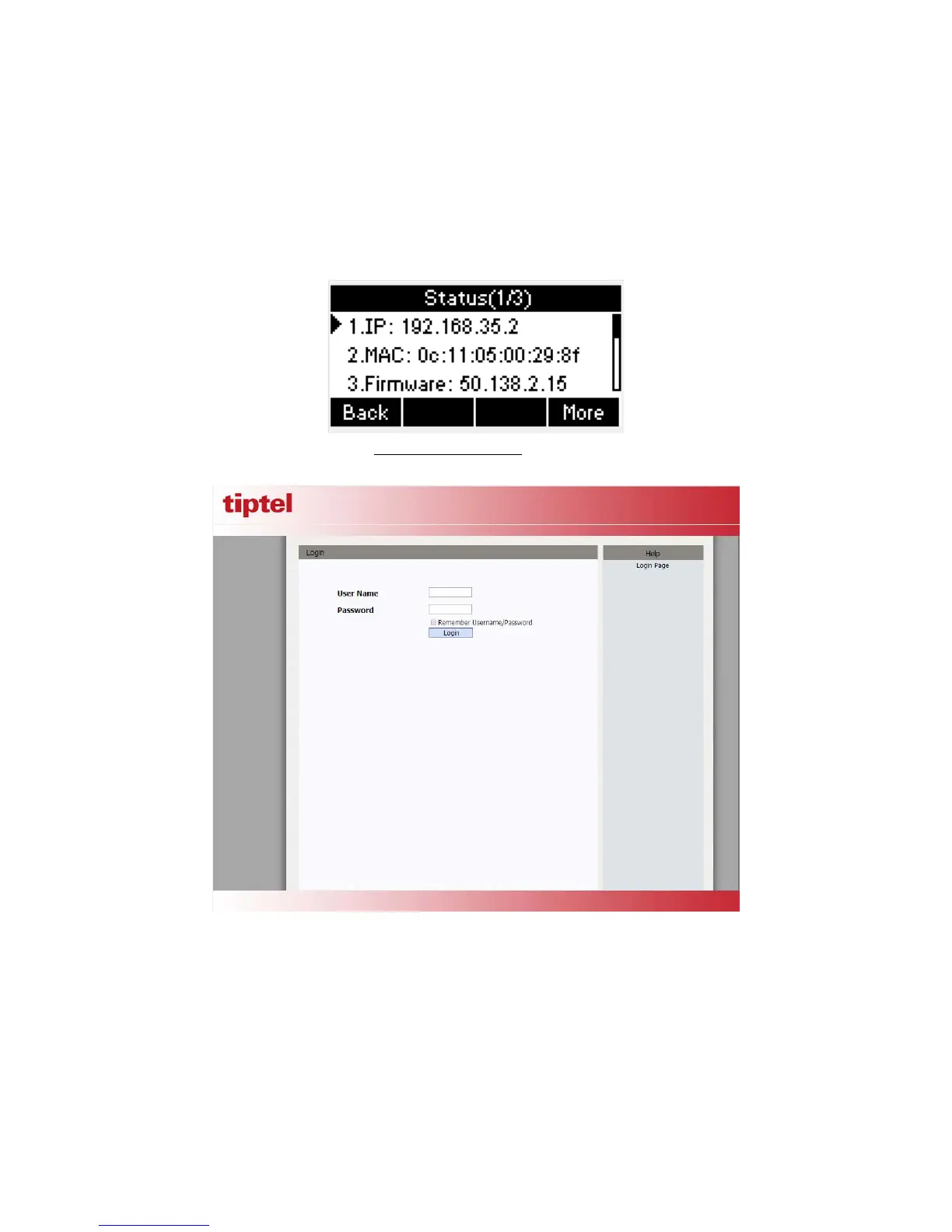
Press the OK key on the phone keyboard to check the Phone’s IP address.
Type the IP address on IE:
http://192.168.10.170 input default User Name and Password:
admin/admin to login the web interface.
5.1.Sta tus ->Basic
1. First you need to open a browser (for example IE)
2. Input the IP address in the browser’s address bar and then press the Enter key
3. If successfully connected to IP phone, it will prompt a login page. In this page, please
input the username and password accordingly. By default, username and password are as
below:



 To Next Page