Black List: To display black list contacts.
To search designated contacts from local phonebook.
To dial out a call or hangup an ongoing call from Web UI.
: For this feature, you need to have the remote control
privilege to control IP phone via Web UI. Please refer to
section “Remote Control” in the Web UI->Phone->Call Feature
page.
To display or edit Group contacts.
To display or change Group name, related ringtone or
description.
To import or export the contact or blacklist file.
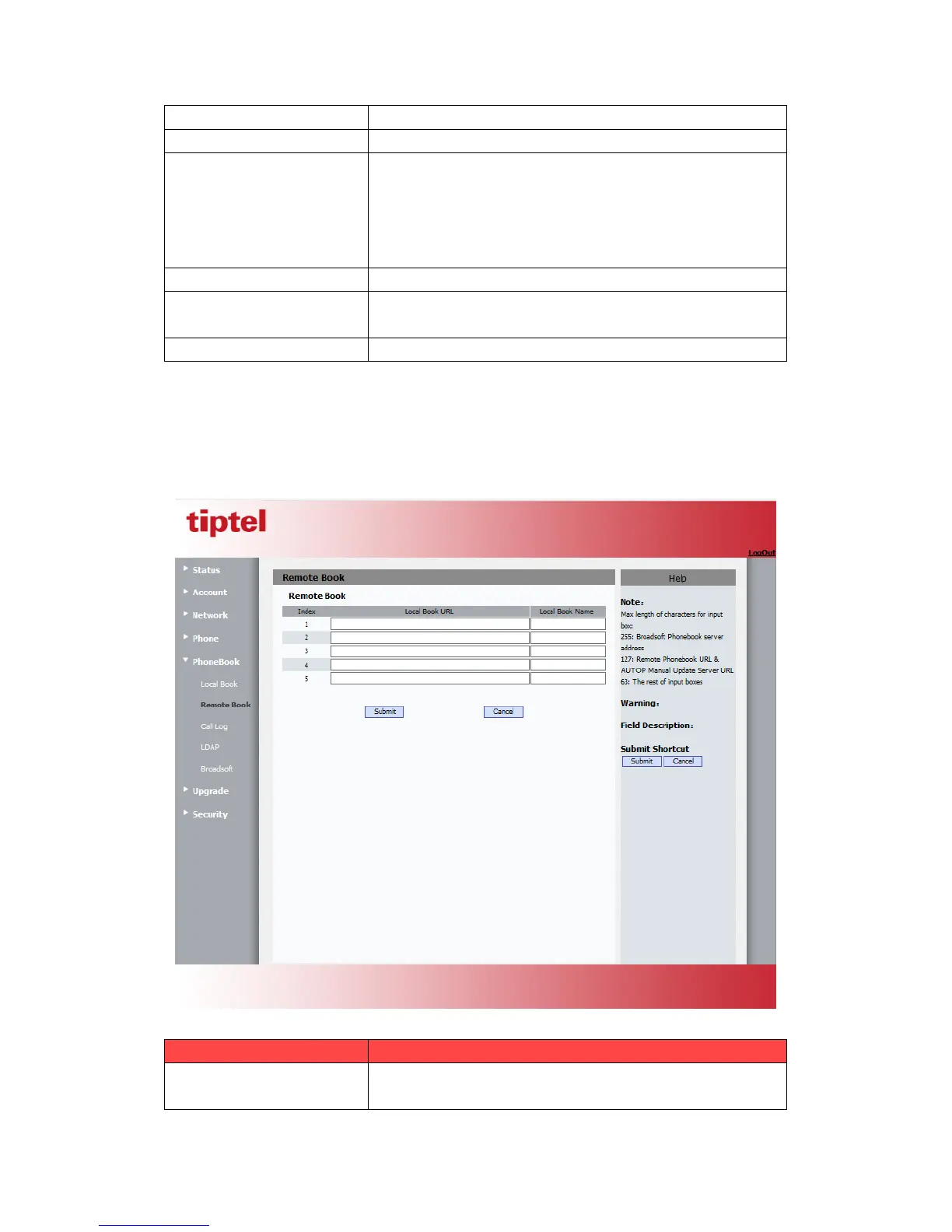
5.17.Phone Book->Remote Phone Book
Path: Web UI->PhoneBook->Remote Book
Sections Description
Remote Book
To display and configure Remote Book settings.
Index: To select desired Remote Book item to display and



 To Next Page