Safety instructions
3
Safety instructions
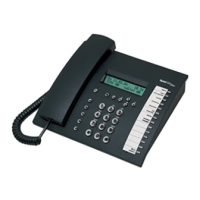
When installing, connecting and operating the tiptel 540 office please observe the
following instructions:
•
Connect the connection cable to the appropriate sockets.
•
Make sure the cables are laid in such a way that accidents cannot occur. Con-
nected cables must not be subject to excessive mechanical strain.
•
Install the device away from sources of electrical disturbance.
•
Only attach accessories authorised for this device.
•
Never open the device yourself. Do not use sharp or metal objects on the wrap
connections.
•
Use only a soft damp cloth to clean the device. Do not use abrasive liquids or
chemicals to clean the device.
•
Protect the device from moisture, dust, liquids and vapours.
•
Do not use the device where there is direct sunlight.
•
Do not use the device in areas where there is a risk of explosions.
•
Only use the original tiptel power adapter and the original tiptel telephone con-
nection cable.


 To Next Page