1.1 Summary
The presented document will show you how auto provision works and how to make auto provision work. The process of
a successful auto provision is:
1. Obtain a server address in which store the configuration files.
2. Download the configuration files from the configured server.
3. Resolve and apply the configurations written in the configuration file.
4. Do other updates, for example the firmware updating.
2.1 Obtain the server address
When the phone boots up, it will go by the following process to try to obtain the server address:
PnP server DHCP custom option DHCP option 66 DHCP option 43 Phone Flash
The following are the details of each process:
2.1.1 Pushed by PnP servers
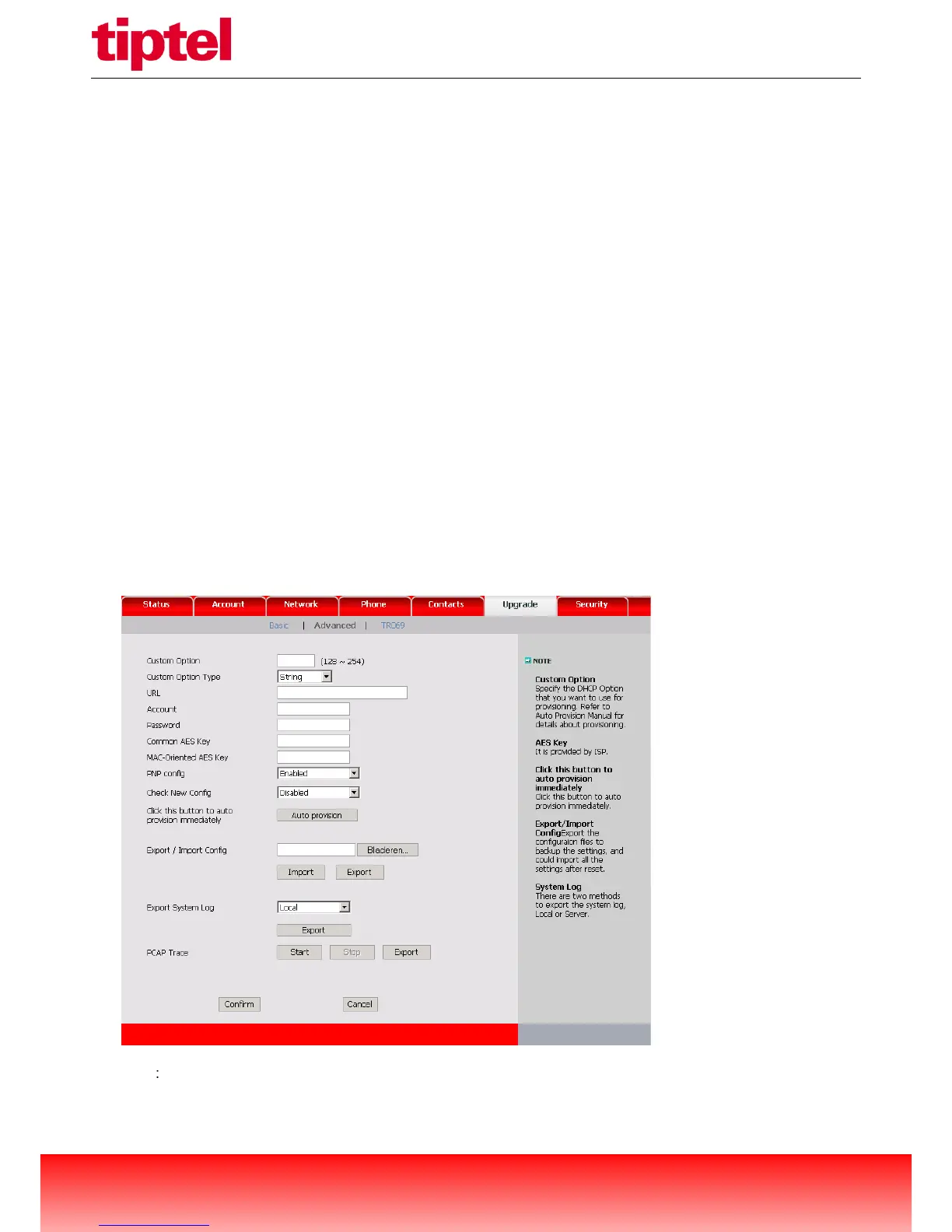
Note Plug „n Play (PnP) provides a proprietary method to enable "Auto Provisioning". If PnP config is Enabled,
the phone will send SIP SUBSCRIBE messages to a multicast address when it boots up. Any SIP server



 To Next Page