EN
TTB960STP by TITAN
Getting started...
Before you start
23
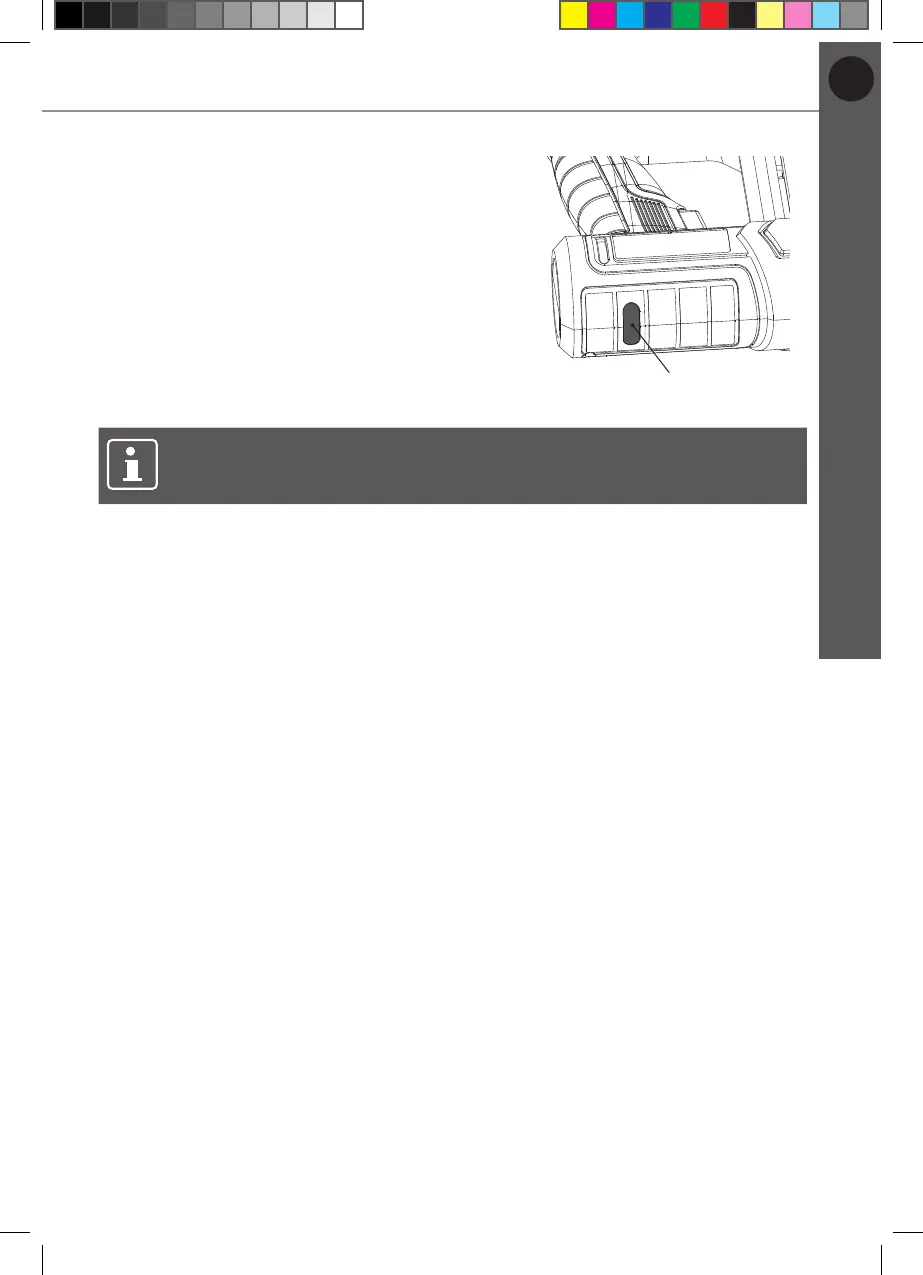
3. The charging process will begin:
• Charging: The charge indicator (1) turns
red (Fig. 5).
• Fully charged: The charge indicator (1)
turns green.
4. Remove the plug socket from the power
supply on completion of charging. The
charging time is approx. 1.5-2 h.
5. Remove the USB charger cable (17) from
the product. The product is now ready for
use.
1
Fig. 5
NOTE: It is normal for the charger to become warm (but not hot) during
charging process.
MNL_3.6 V Cordless 12mm Stapler_V2_230628.indd 23 6/28/23 5:43 PM



 To Next Page