30
Care and maintenance
In more detail...
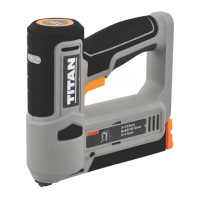
TTB960STP by TITAN
Maintenance
Before and after each use, check the product and accessories (or tool attachments)
for wear and damage. If required, exchange them for new ones as described in
this instruction manual. Observe the technical requirements.
Removing jams
WARNING! Wear safety gloves when working on the staples and close
to them!
Use proper tools to remove jammed staple! Never use your bare hands!
The jammed staple should be removed before being put back into use,
otherwise the mechanical device will be permanently damaged.
If a staple is caught in the magazine or unit, please proceed as follows:
1. Switch the product off.
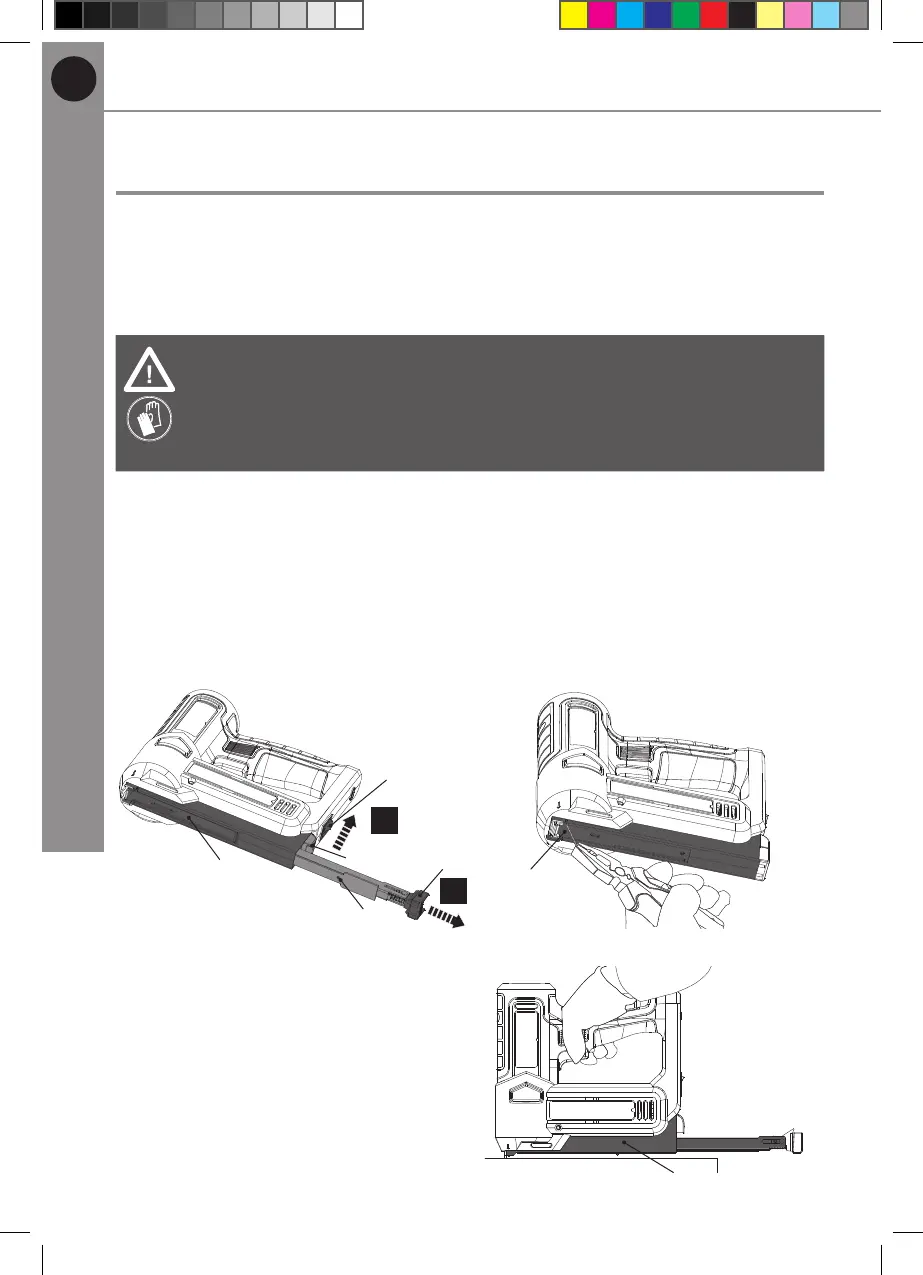
2. Lift up the magazine release button (12) (Fig. 11, step 1), and the magazine
slider (8a) will automatically pop up.
3. Hold the pull lever (13) and pull the magazine slider (8a) out of the back of the
stapler until the stop (Fig. 11, step 2).
4. Remove all staples in the magazine (8).
5. For the jammed staple, remove it with a suitable plier (not supplied) (Fig. 12).
13
11
12
1.
2.
8
8a
Fig. 11
8
Fig. 12
6. Keep the magazine (8) open and
switch the product on, attempting
to re 3-4 times on the soft wooden
pad (Fig. 13).
7. Load the magazine (8) with the
staple strip (18) and attempt to re
3-4 times on the soft wooden pad.
8. If any malfunctions occur, stop to
use the product immediately and
turn to the dealer for repair.
8
Fig. 13
MNL_3.6 V Cordless 12mm Stapler_V2_230628.indd 30 6/28/23 5:43 PM


 To Next Page