Instruction manual
40
DISPLAY
In MP3 mode, this function allows you to display the track number and playing time, album name and title, and the
total number of albums and tracks by pressing several times.
Keypad 0 to 9
Use the keypad to directly select the title by entering the title number.
Bluetooth®
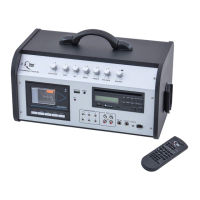
You can connect your mobile devices such as smartphones and tablets to the TLS
®
Combibox via Bluetooth®. To
do this, activate the Bluetooth® function on your mobile device. The device will automatically search for available
devices in the area as normal and, following a successful search, will show the TLS
®
Combibox as
“AUDIO” in the menu. During the search, the display of the CD player will show „BT“
You now select the device “AUDIO” in order to connect to it with your mobile device. A successful connection is
indicated in the display by „BT CONNECT“. You can then play your media back acoustically on the Combibox.
Note: Only one mobile device can ever be connected to the TLS
®
Combibox at once. If there is already an
active connection with a Bluetooth®-capable device, then this must be severed rst. Some devices
require a password in order to activate the Bluetooth® connection, this is: 0000.


 To Next Page