Instruction manual
42
Volume control
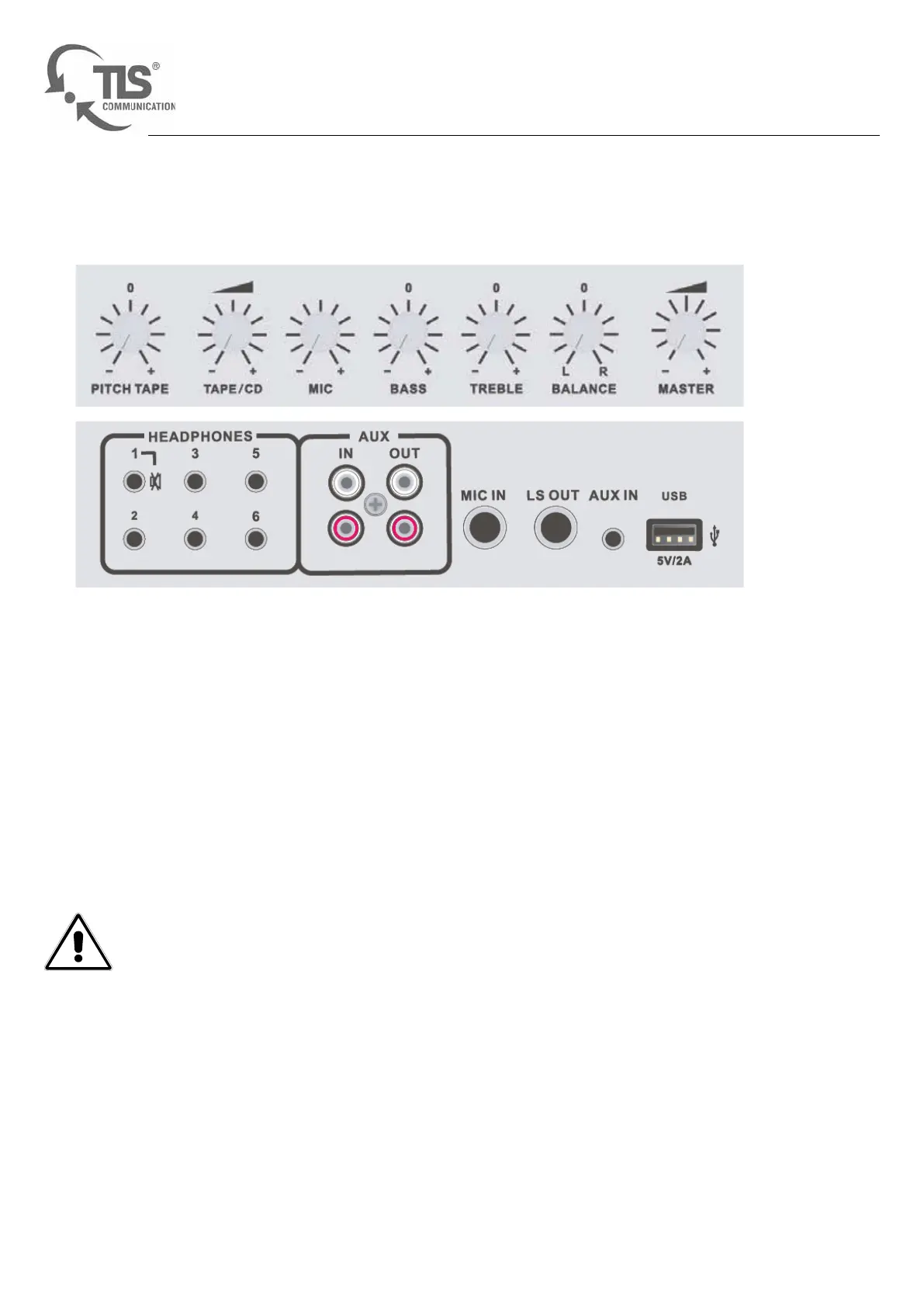
You control the volume of the cassette player, the CD drive and external devices using the TAPE/CD control. Turn
the volume control to the right in order to set the volume to maximum, and conversely turn it to the left in order to
reduce the volume.
You can control the volume of the microphone using the MIC volume controls. Turn the volume control to the right
in order to set the volume to maximum, and conversely turn it to the left in order to reduce the volume.
Warning! Music should not be listened to at high volumes for long periods of time. This can cause
hearing damage.
Figure 5
Mixer
The mixer


 To Next Page