Hardware Version : 5.02 Document Version : 0
TECHMAN ROBOT INC. 5F., No. 58-2, Huaya 2nd Rd., Guishan Dist., Taoyuan City, 333411 , Taiwan
Techman Confidential 64
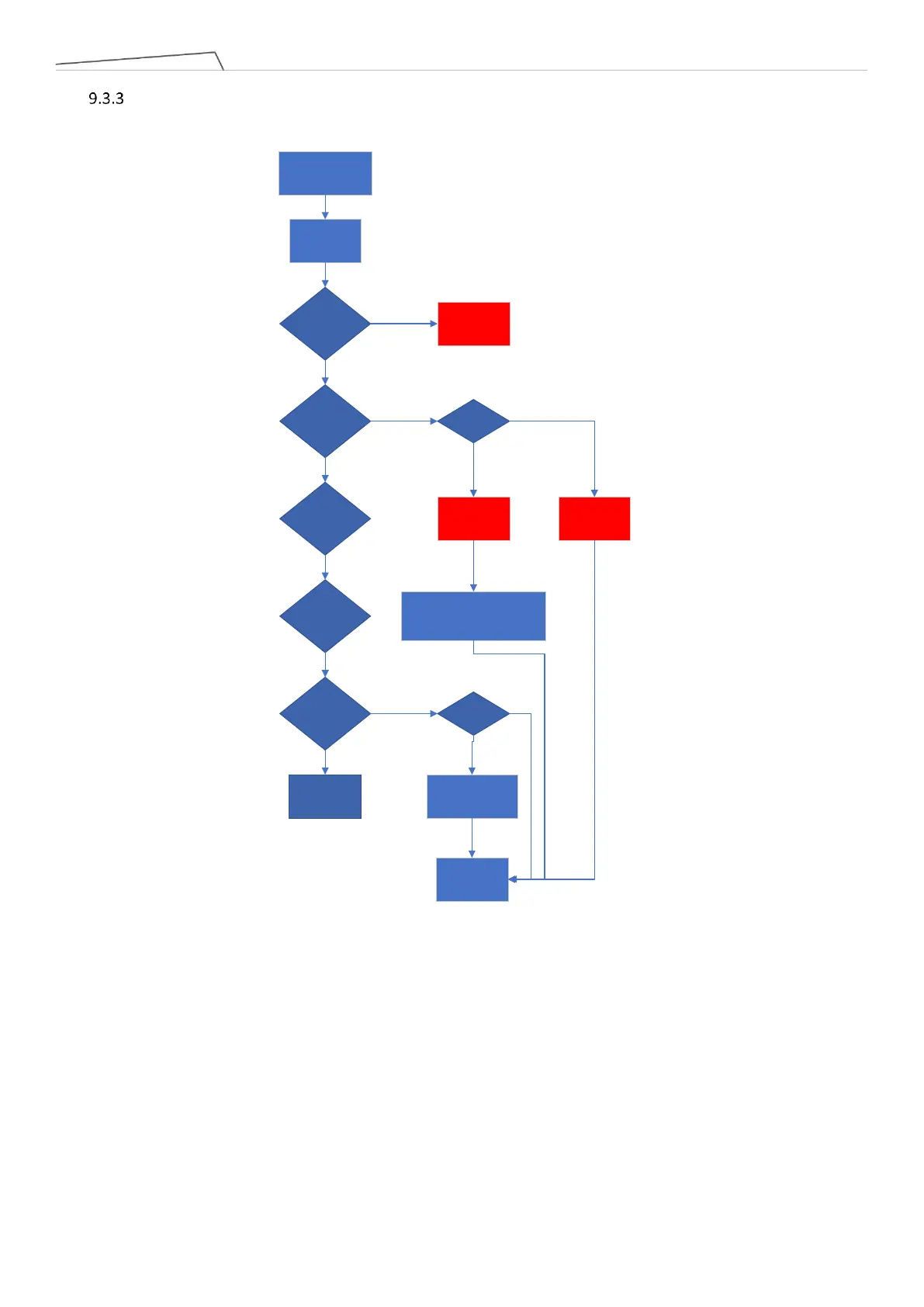
The flowchart below showing the process that the system will follow in the background after swapping the
arm with the control box. If there are no errors or anomalies during the process, it is considered a
successful interchange. For troubleshooting in case of abnormal situations, please refer to the Appendix.
Replacement
robot/ control
Box
Boot up
Check if the Model ID
matches any parameters
in the table
Was the download of
data to the arm
successful?
Is the data version on
the robot/control box
compliant with the
rules?
Boot Failure
Each unit checks
whether the files on the
arm are normal?
Each unit checks
whether the files on the
arm/electrical control
box match?
Normal Boot
Is there a
service key?
Is there a need to
replace the arm?
Transfer data
from the arm to
the control box
Power off
Error page
(1)
Error page
(2)
Maintenance personnel need to
recalibrate/update data on the
arm/update the version of the
electrical control box.
Yes
Yes
Yes
Yes
Yes
No
No
No
Yes
No
Yes
No
Appendix 1
Appendix 2
Appendix 3



 To Next Page