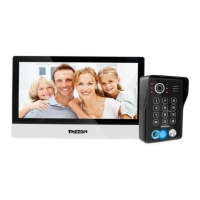
Need help?
Do you have a question about the TMEZON MZ-IP-V739W and is the answer not in the manual?
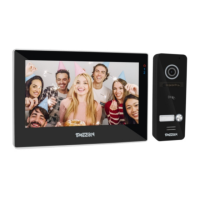
Illustrates how to connect cameras and monitors to the system.
Details the steps required for installing the indoor monitor.
Explains how to operate the indoor monitor for visitor calls and monitoring.
Connects the indoor monitor via wired or wireless network.
Instructions for logging into the uCareHome application.
Process for adding a new indoor monitor device to the app.
Guide to put the indoor monitor into AP mode for setup.
Connects the phone to the indoor monitor's Wi-Fi hotspot.
Connects the indoor monitor to the home WiFi router.
Final step to add the indoor monitor to the uCareHome app.
Changes the device's password for security.
Changes the password used for unlocking.
Configures motion detection sensitivity, area, and actions.
Download and install the player for web access.
Configures LAN settings like IP type and ports.
Sets up Dynamic DNS for remote access.
Configures motion detection sensitivity, area, and actions.
 General
| Brand | TMEZON |
|---|---|
| Model | MZ-IP-V739W |
| Category | Intercom System |
| Language | English |

 To Next Page