USER MANUAL SAGA
Page 17 of 47
Docking Station
Connections
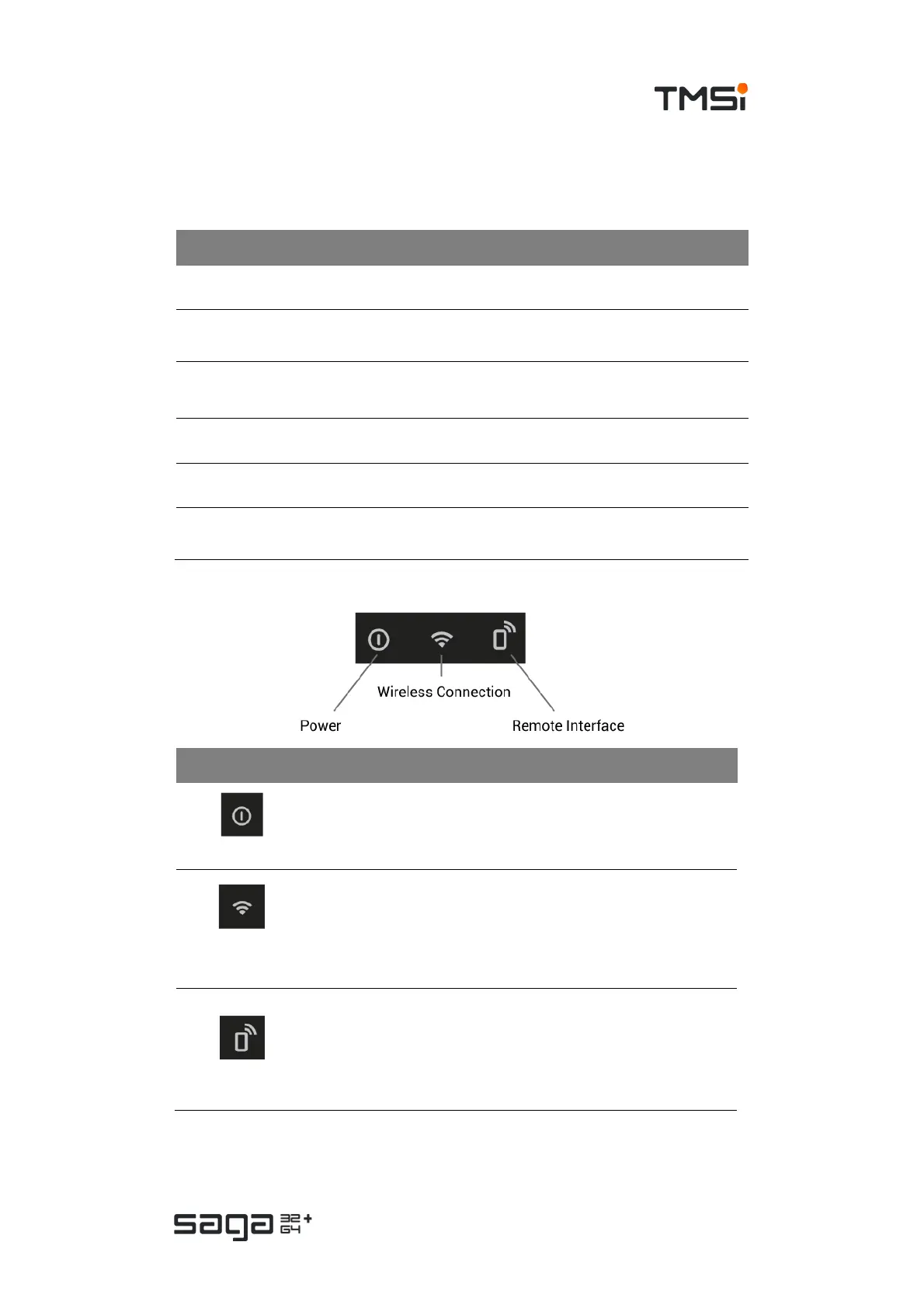
Status indicators
Indicator Function and state
Power
• OFF: Docking Station is off or booting
• GREEN (solid): Docking Station is ready
Wireless
Connection
• OFF: there is no wireless connection
• GREEN (solid): Wi-Fi connection, no data transmission
• GREEN (blinking): Active data transmission over Wi-Fi
connection
• BLUE (blinking): looking for Data Recorder
Remote Interface*
• OFF: monitoring interface not available (locked)
• GREEN (solid): Monitor interface on/available
• GREEN (blinking): Monitoring interface active – data exchange
*NOTE: The remote interface is not available on all SAGA devices
Type Function
USB connector Primary data interface to PC
Ethernet
connector
Secondary data interface to PC
Trigger
connector
16-bit trigger input to acquire signals from external equipment.
*NOTE: The 16-bit trigger interface is not available on all SAGA devices
Fiber connector Connector for an optical fiber for data interface with a Data Recorder
Power connector Supply power from Mains adapter to Docking Station
Docking
connector
Connector to dock Data Recorder to Docking Station for power supply and
data interface



 To Next Page