USER MANUAL SAGA
Page 32 of 47
Status Events
The channel ‘STATUS’ can record several events. These events may be user
triggered or triggered by the device itself. The events are used to provide information
about what happened with the device during recordings. The following status events
are available.
Status Event Origin Bit # Meaning
Marker event User 0 0 = No marker event
1 = Event marker button pressed
Reference mode User 1 0 = Average Reference mode
1 = Common Reference mode
Reference switch Device 2 0 = No switch event
1 = Automatic switch from Common Reference to Average
Reference mode
Average
Reference
removal
Device 3
0 = Average removal is enabled
1 = Average removal is disabled
Synchronisation
Out
Device 4 0 = Sync-Out is idle
1 = Sync-Out is active
Dummy data Device 8 0 = Normal measurement data
1 = Dummy data received instead of measurement data.
Ambulatory data Device 9 0 = Not downloading ambulatory data
1 = Downloading previously acquired ambulatory data
Sample data Device 10 0 = Not receiving live data
1 = Receiving live data stream
Bat1 low Device 14 0 = Battery 1 is not low, or not present
1 = Battery 1 is low (needs replacement)
Bat2 low Device 15 0 = Battery 2 is not low, or not present
1 = Battery 2 is low (needs replacement)
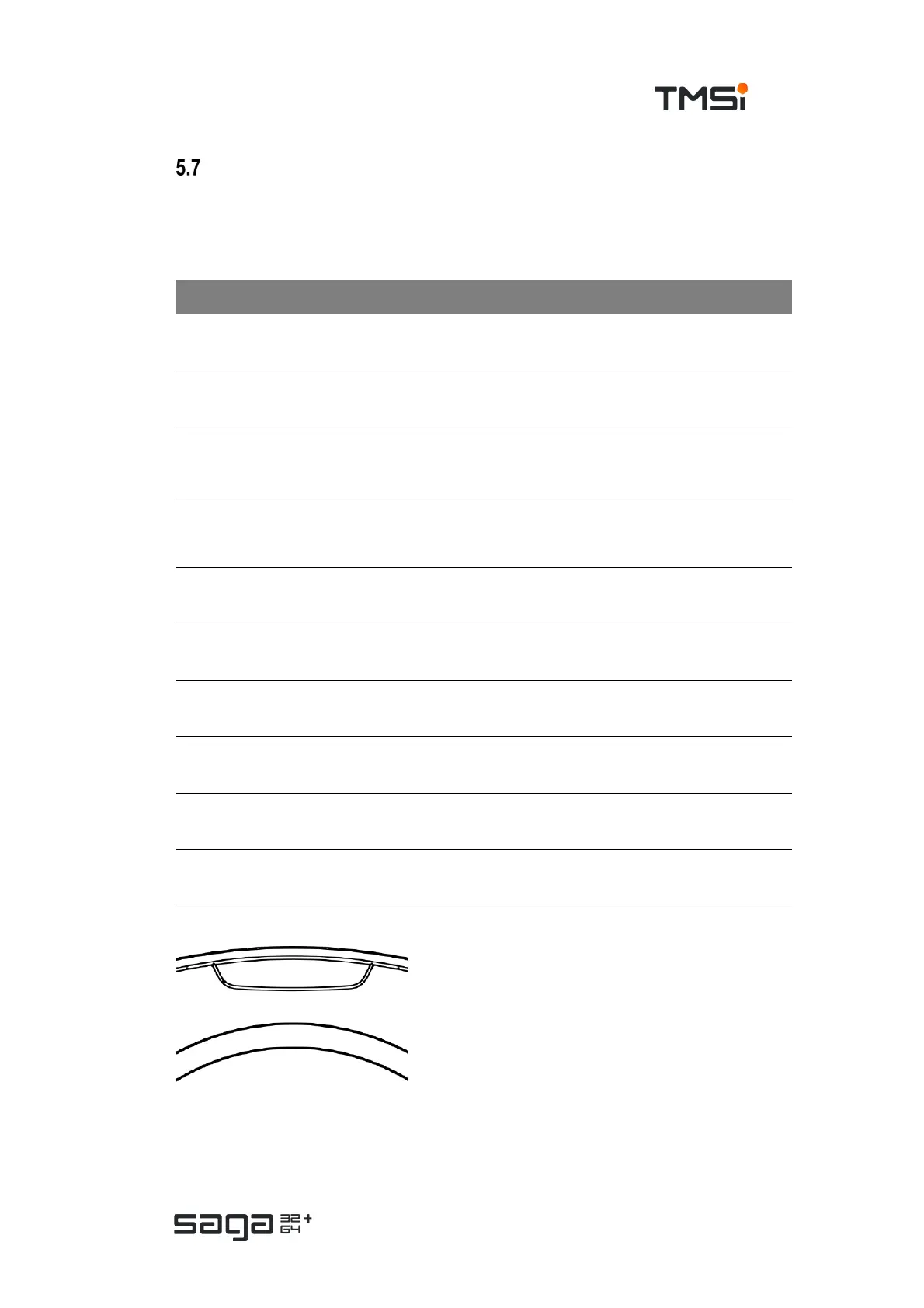
Event marker Button
The Event marker button on the device (marked
SAGA 32+ or SAGA 64+ depending on the
device type) can be used to set a marker event
in the STATUS channel. This marker event is
sampled synchronously to the other data.
Pressing this button also creates a trigger on the
synchronisation output of the device, this is a
configuration option in the application software.
Typical use of this button is to mark a specific event during an ambulatory
measurement, so this event can be looked up afterwards.



 To Next Page