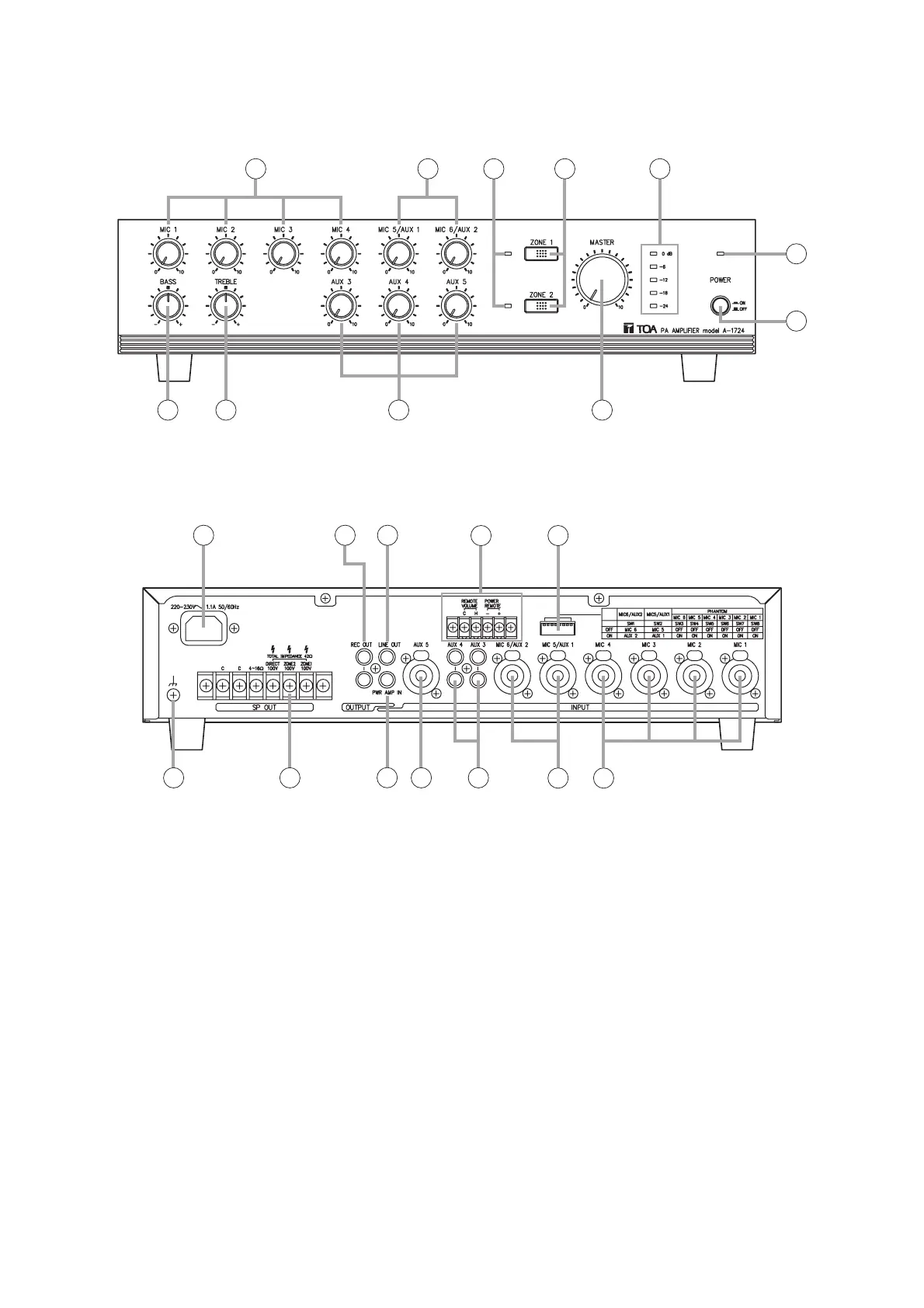
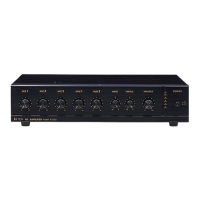
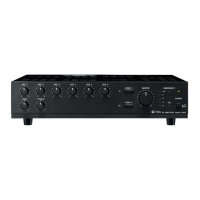
This figure represents the A-1724.
4. NOMENCLATURE AND FUNCTIONS
[Front]
1. Power switch
Press to turn ON the power.
Press again to turn the power OFF.
Note: The unit is not completely disconnected
from the power supply even if this Power
switch is turned off.
2. Power indicator
Lights green when the power is switched on.
3. Microphone volume controls [MIC 1 – 4]
Adjust the microphone level.
4. Microphone/AUX volume controls
[MIC 5/AUX 1, MIC 6/AUX 2]
Adjust the microphone or AUX level.
5. AUX volume controls [AUX 3 – 5]
Adjust the AUX level.
6. Bass control
Adjusts bass response. Rotate clockwise to
increase bass output, and counterclockwise to
reduce it. The center position provides flat
characteristics.
7. Treble control
Adjusts treble response. Rotate clockwise to
increase treble output, and counterclockwise to
reduce it. The center position provides flat
characteristics.
8. Zone indicators
Light to indicate the broadcast zone (zone1, 2)
selected with the Zone selector switches.
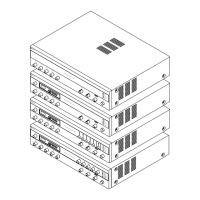
This figure represents the A-1724.



 To Next Page