MIXER MODE
2. POWER UP
Step 1. Plug in the AC power cord to the AC inlet on the rear panel.
Step 2. Press the [ENTER] key when the request to "ERASE MIXER MEMO?"
comes up on the screen. This will erase all previous programming to start
fresh. The unit will complete the initialization and automatically power off.
Step 3. Press the [ESC/BACK] key when either message "SINGLE-OUT APPLI?"
or "BGM/PAGE APPLI?" come up on the screen.
Please refer to the manual on the CD-ROM for details of each operation
mode.
Step 4. Press the [POWER] switch and proceed with programming.
3. SETTING EXAMPLE
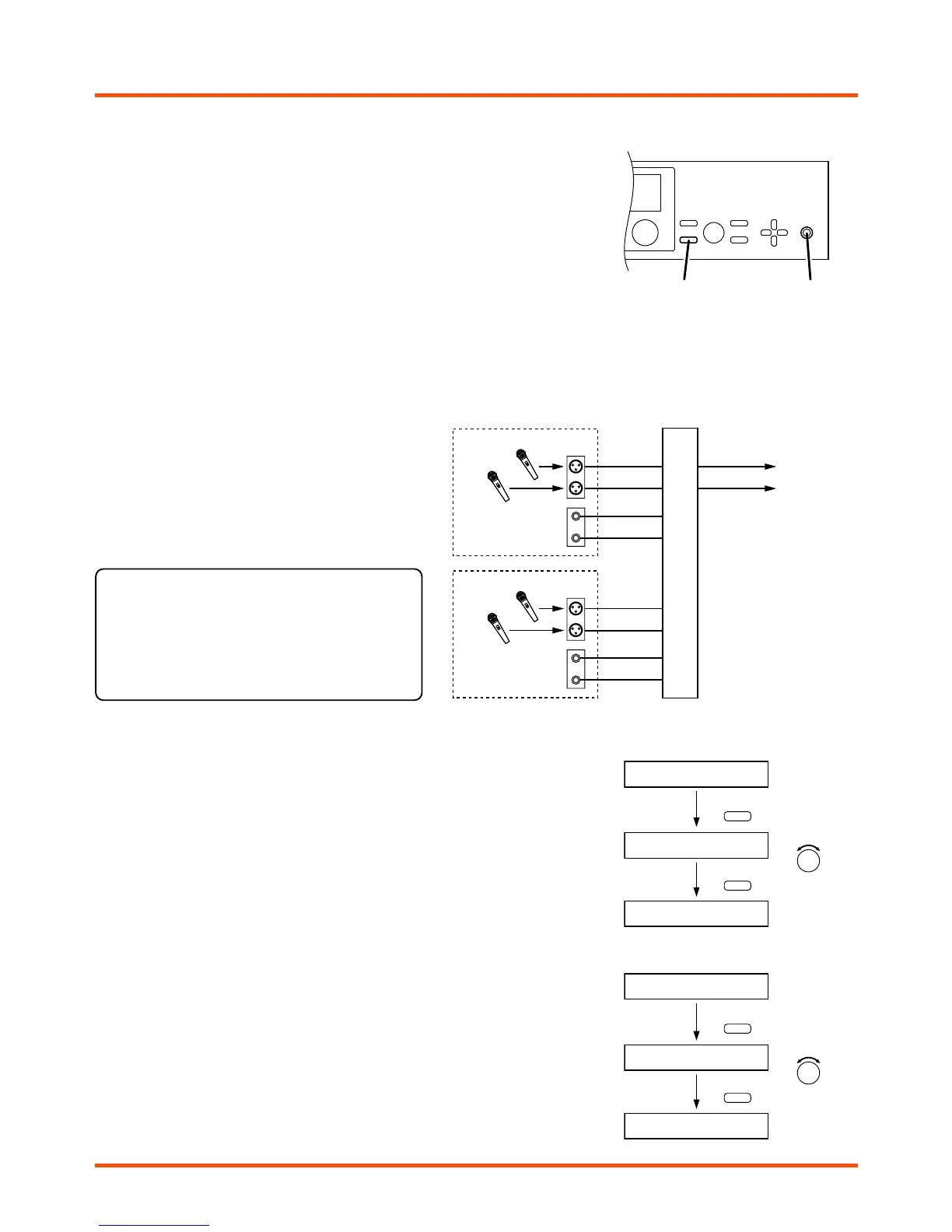
The following is a step-by-step to a basic configuration
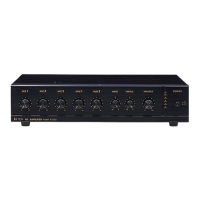
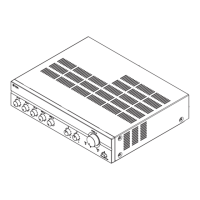
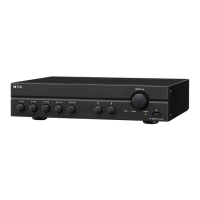
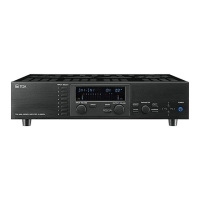
of a typical room combining system using A-9060DH or
A-9120DH in the Mixer mode, where there are two
microphones and two line level program sources from
room A, and another set of two microphones and two
program sources from room B.
Output #1 of the amplifier is going to room A, and output
#2 of it is going to room B. (Refer to the diagram)
Note
Please turn down the input level of every audio
source connected to each input before you power
up the unit. This will avoid any excessively loud
audio from speakers. Please turn those input levels
up slowly after the following programming is
completed.
[Input volume control]
Suggestion: –20 dB for each input level
To control level of input #1, press input #1 of [INPUT SELECT] key, and select
desired level by rotating the [INPUT VOLUME] knob.
To control level of input #2, press input #2 of [INPUT SELECT] key, and select
desired level by rotating the [INPUT VOLUME] knob.
Press the [MEMORY] key to have the screen go idle.
[Output volume control]
To control level of output #1, press [OUTPUT SEL] key until OUT1 will be on the
display, and select desired level by rotating the [OUTPUT VOLUME] knob.
To control level of output #2, press [OUTPUT SEL] key until OUT2 will be on the
display, and select desired level by rotating the [OUTPUT VOLUME] knob.
Press the [MEMORY] key to have the screen go idle.




 To Next Page