gf10
Congure TOA IP Audio Systems for the CyberGate serviceCyberTwice
10
The basic conguration of the TOA for use with CyberGate is done!
Before calls can be initiated from Microsoft Teams to the TOA or from the TOA to Teams, additional
conguration in the CyberGate Admin portal is necessary. Please see the blue section of this manual
for instructions on how to congure the Management portal.
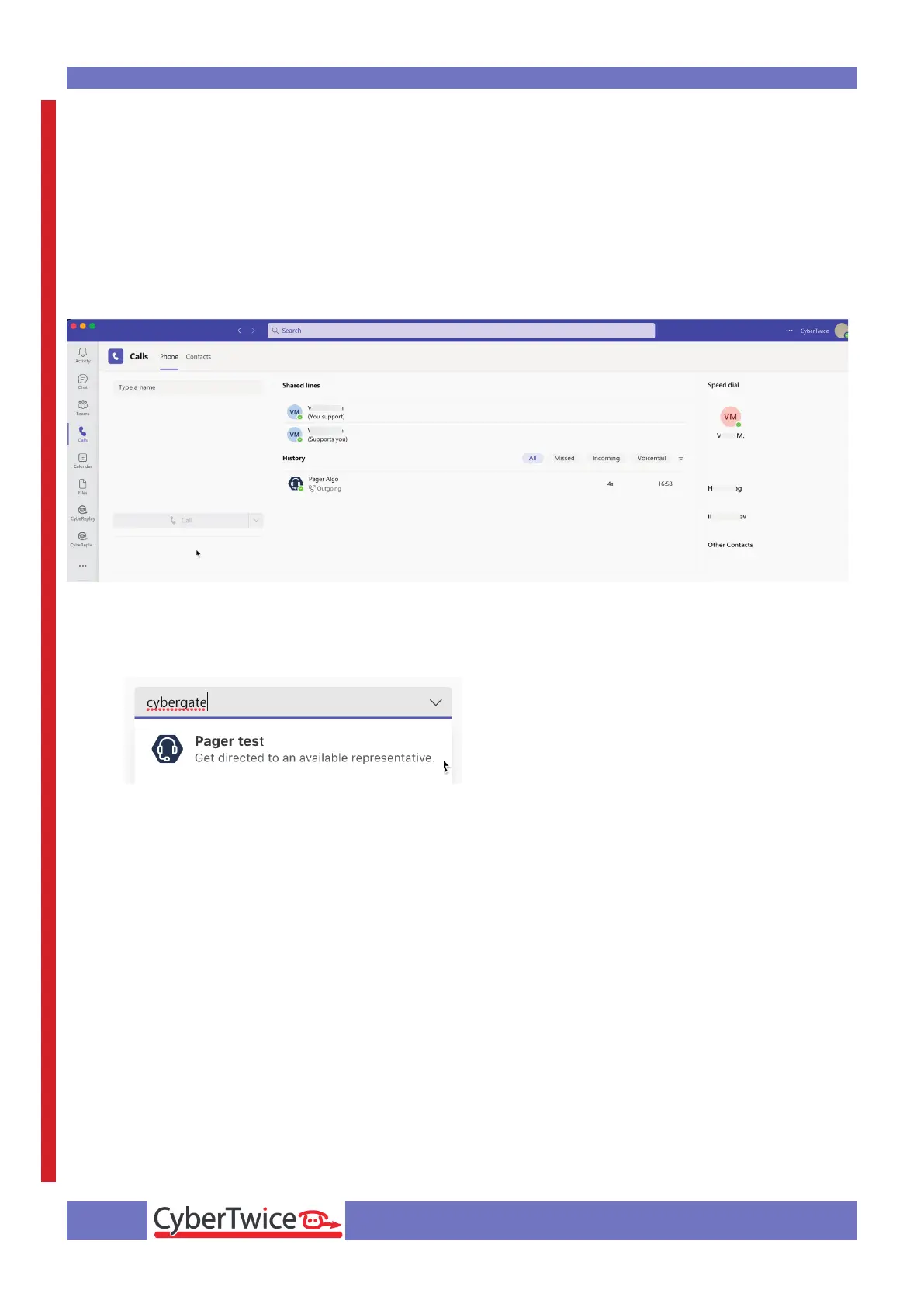
To initiate a call from Microsoft Teams, login to Microsoft Teams and navigate to the ‘Calls’ menu.
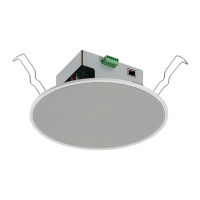
You can either type the (Display)name of the TOA directly in the call eld (at ‘Type a name’) or search
for ‘cybergate’.
It will show all of your CyberGate Devices. Select the Pager to call and click the blue ‘Call’ button.
A call to the TOA will be initiated and the TOA will answer automatically.



 To Next Page