EasyManua.ls Logo

Toa IR-200M - User Manual

Toa IR-200M
16 pages
Print Icon
To Next Page IconTo Next Page
Loading...
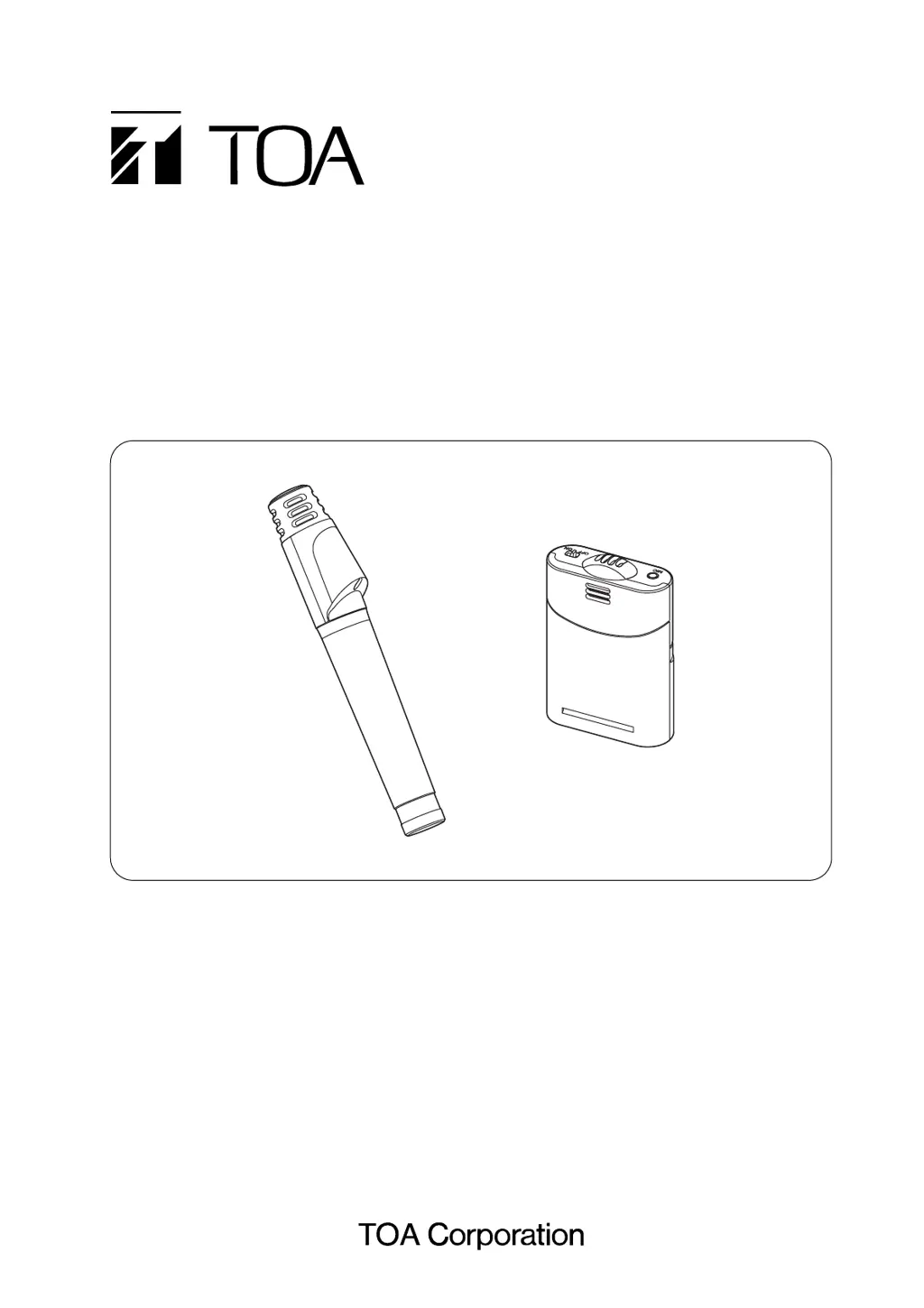
OPERATING INSTRUCTIONS
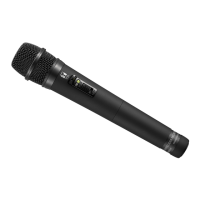
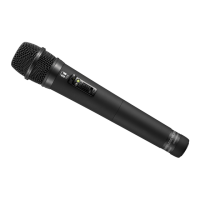
INFRARED WIRELESS MICROPHONES
IR-200M
IR-300M
IR-200M
IR-300M
Thank you for purchasing TOA's Infrared Wireless Microphone.
Please carefully follow the instructions in this manual to ensure long, trouble-free use of your equipment.

Other manuals for Toa IR-200M

Questions and Answers

  • J
    Jeffrey MartinezAug 11, 2025
    What to do if Toa Microphone interferes with other infrared microphones?
    • L
      ldukeAug 11, 2025
      If your Toa Microphone interferes with other infrared microphones being used at the same time, the issue could be that two microphones are set to the same channel. To resolve this, set the channels correctly. Another potential cause is using the microphone too close to the tuner. Keep the infrared microphone at least 50 cm away from the infrared tuner.
  • N
    nnielsenAug 18, 2025
    What to do if Toa IR-200M battery indicator lights red when turned on?
    • M
      Molly ConradAug 19, 2025
      If the battery indicator on your Toa Microphone lights up red when you turn it on, it means that if you are operating on dry cell batteries, you should replace them with new ones. If operating on rechargeable batteries, charge them using the IR-200BC Battery Charger.
  • S
    Susan SimsAug 26, 2025
    What to do if Toa IR-200M Microphone tuner's reception indicator does not light?
    • C
      Cameron OrtizAug 26, 2025
      If the infrared wireless tuner's reception indicator doesn't light (no signal received) on your Toa Microphone, even when the power is on, it might be because the channel set for the microphone isn't the same as the tuner. Reset the microphone to the same channel as the tuner.
  • R
    Robin JonesSep 1, 2025
    How to fix Toa IR-200M battery indicator flashing green and red?
    • A
      Ashley FletcherSep 1, 2025
      If the battery indicator on your Toa Microphone alternately flashes green and red when you turn it on, it means the channel selector switch is not set correctly. Perform channel settings correctly.

Summary

Safety Precautions and Compliance

Handling and Usage Precautions

Microphone Nomenclature and Functions

IR-200 M Nomenclature and Functions

Details the parts and functions of the IR-200M infrared wireless microphone.

IR-300 M Nomenclature and Functions

Details the parts and functions of the IR-300M infrared wireless microphone.

Battery Insertion Guide

Operating with Rechargeable Batteries

Rechargeable Battery Charging Procedure

Step-by-step guide on how to charge the rechargeable batteries for the wireless microphone.

Basic Microphone Operation

Wireless Microphone Usage Tips

Channel Settings Configuration

Troubleshooting Guide

Toa IR-200M Specifications

General IconGeneral
TypeInfrared Wireless Microphone
ModulationFM
Frequency Response100 Hz - 12 kHz
DirectivityUnidirectional
Microphone ElementElectret Condenser
Output Impedance600 Ω
BatteryAA x 2

Related product manuals