BATTERY LOADING
Use LR6 type alkaline battery.
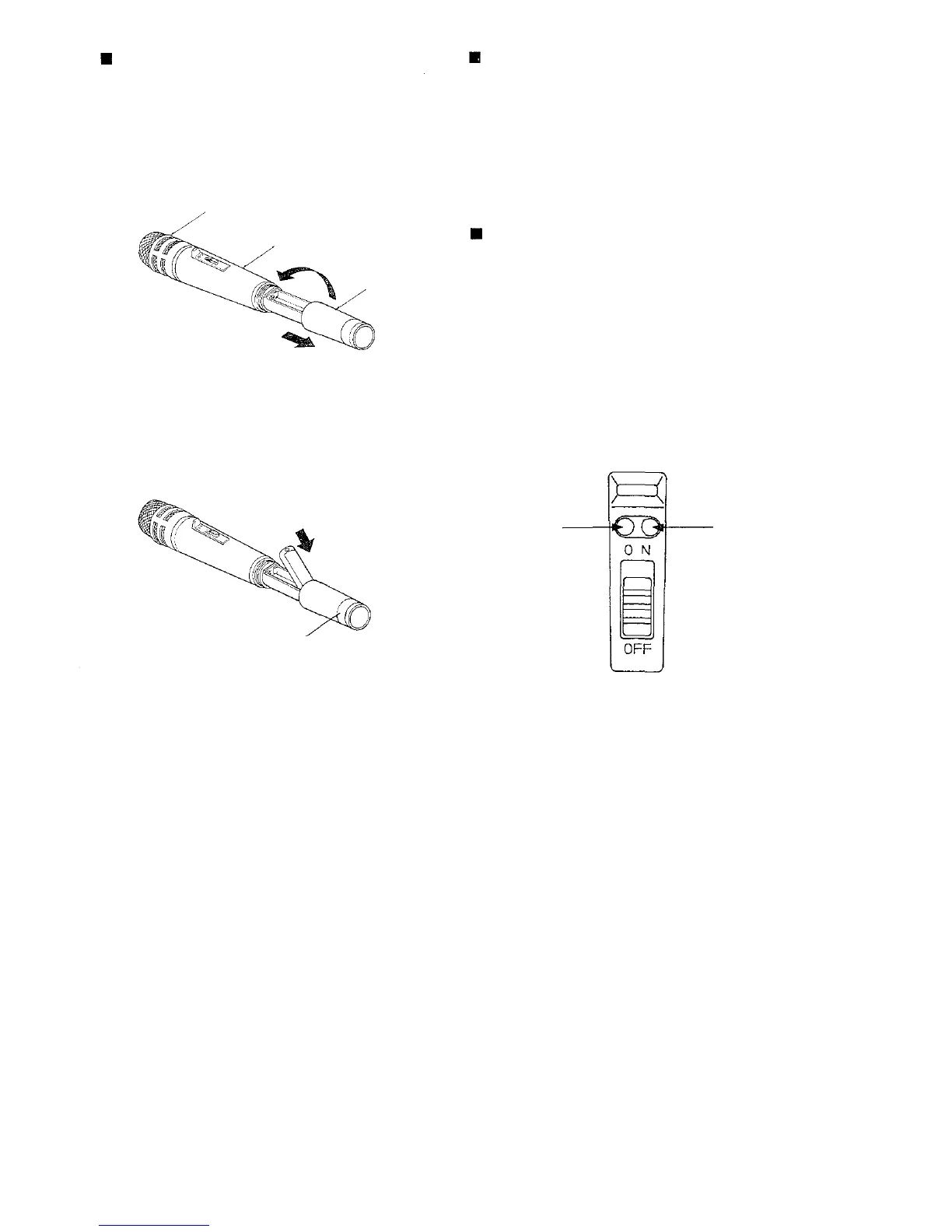
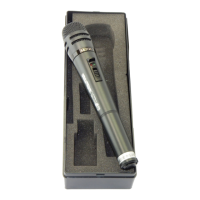
1. Hold the microphone body and rotate the micro-
phone grip anticlockwise. (Fig. 1) The microphone
grip is so designed that it can not be completely
removed from the body because the battery grip
past the lock point as damage may occur.
Microphone head
Body
Grip
2. Observing correct polarity instructed inside the
battery compartment, insert a battery. (Fig. 2)
Name plate
(Color identification label)
3. Replace the microphone grip by sliding the grip
upward and hand tightening the grip in a clockwise
position.
HOW TO USE
1. Verify that the receiver frequency is identical with
the microphone (transmitter) frequency.
2. Set the microphone on/off switch to ON, and verify
that the green battery indicator lights.
3. Set the on/off switch to OFF after use and verify
that the green LED is extinguished.
BATTERY REPLACEMENT
1. The alkaline battery LR6 can be continuously used
for approximately 12 hours. (The manganese
battery R6 for approximately four hours.)
2. Battery indicator
When the battery voltage is sufficient, the green
LED lights. The green LED becomes dimmer as
the battery voltage drops, and the red LED lights.
In such a case, renew the alkaline battery LR6
inside an hour or two (renew the manganese
battery R6 inside a half hour.).
Fig.
1
Fig.
2
Fig.
3
Red LED
Green LED


 To Next Page