26
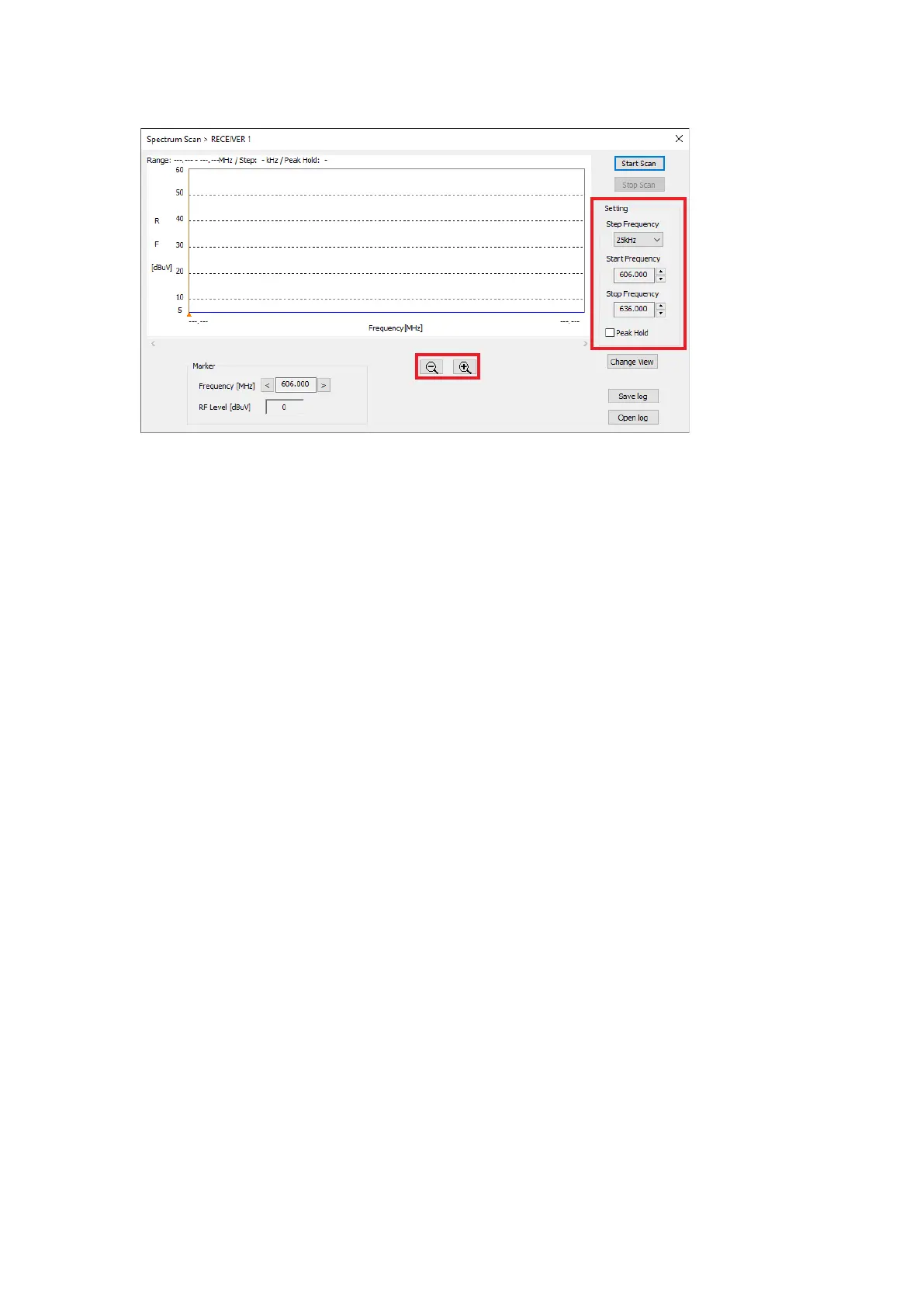
Displays the Spectrum Scan screen.
[Spectrum Scan Screen]
4
6
7
3
5
5
Step 3. Set the Step Frequency, Start Frequency, Stop Frequency, and Peak Hold.
Step 4. Click on the Start Scan button.
Starts the Spectrum Scan.
Step 5. Use the Marker, Zoom out/Zoom in button if necessary.
Step 6. Click on the Stop Scan button.
Stops the Spectrum Scan.
Note
After 7 days (168 hours), the recording will be forced to end.
Step 7. Click on the Save Log button when the result of the Spectrum Scan needs to be saved as log data.
The log le will be stored in the data folder (p. 4).
See p. 4 for the le name.
Step 8. As a result of the scan, if there is possible interference, change the setting of the antenna’s attenuator
or the channel.
Note
See the receiver’s instruction manual for detailed information.



 To Next Page