PHONE: 800-338-3133
FAX: 800-688-6627
2100 W OBISPO AVE
GILBERT, AZ
85233
WWW.TOMAR.COM
Page 6
IS0537-02
06/21/2013
(a) Select Trac Direction Pattern by pressing Programming switch 1. Each press advances the
pattern one step. Continue until the desired pattern is selected.
(b) Selecting Trac Direction Flash Rate by pressing Programming switch 2. Each press advances
the ash rate one step. Continue until the desired ash rate is selected .
(c) Flash pattern and rate are now set for Trac Direction Mode when selected.
D.
EXIT 940L Programming Mode: Press the OFF switch TWICE, once to disable the Lightbar
,
once to
exit the 940L program mode.
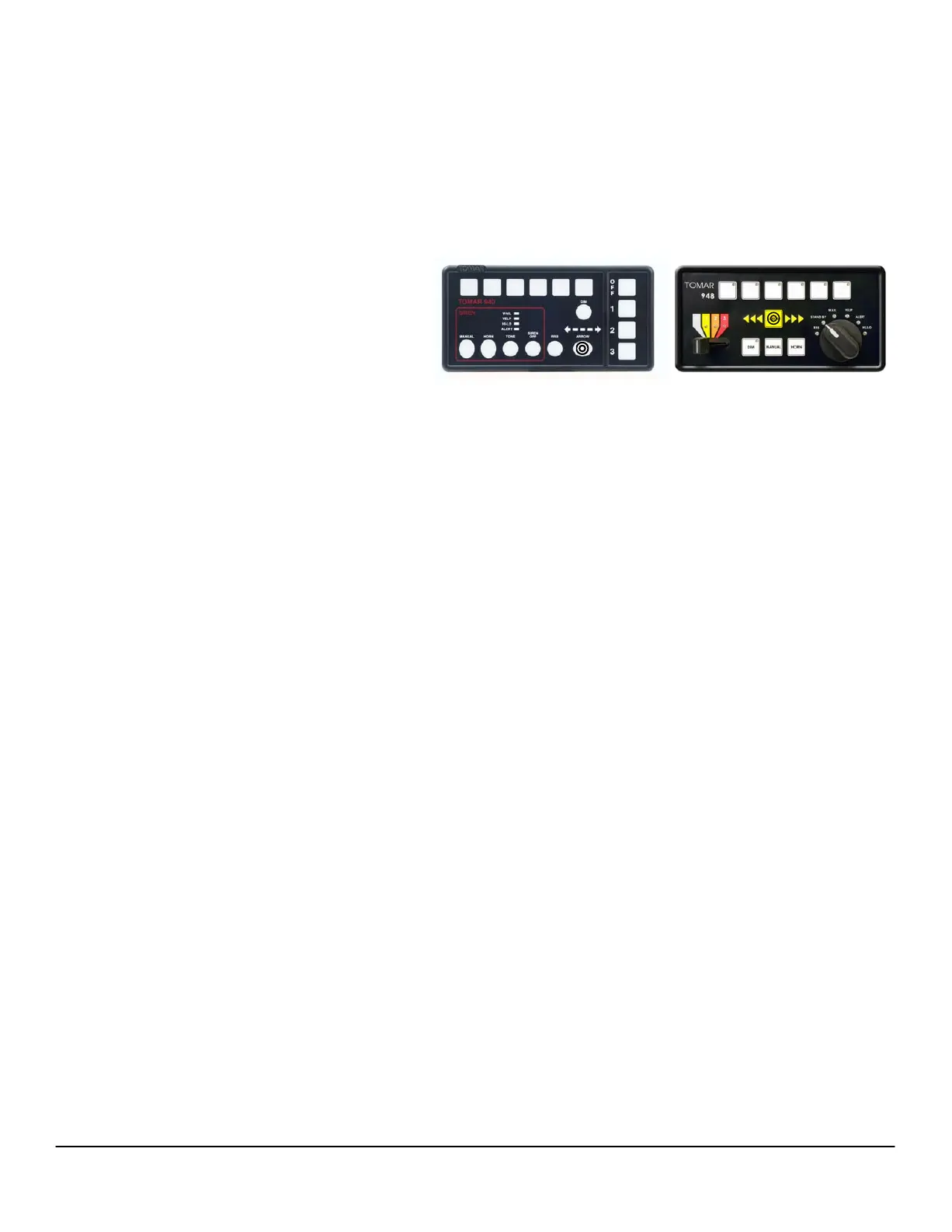
1. Program Rear Warning In Trac Direction
Modes: Select an arrow pattern by
pressing the Arrow switch
C. Programming Traffic Direction Modes:
1 2 3 4 5 6
Tomar 970L Scorpion Lightbar Programming Instructions
TM
1 2 3 4 5 6
Press the MANUAL and DIM switches to exit program
mode on the 948L.
EXIT 948L Programming Mode:


 To Previous Page