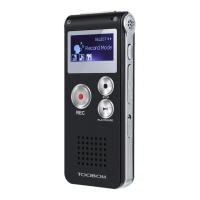
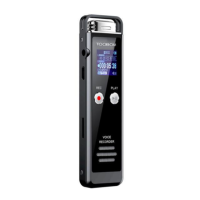
TOOBOM VOICE RECORDER
E: support@toobomworld.com W: http://toobomworld.com
low recording quality, and file could only playback on recorder only
13. Set Recording Quality
After select record format, you could set record bit rate
In record settings, find set rec bitrate
Select the correct bit rate, and press PLAY button, confirm it
At MP3 format, the available bit rate is : 32kpbs 64kpbs 128kpbs
At WAV format, the available bit rate is : 512kpbs 768kpbs 1024kpbs 1536kpbs
NOTE:
1) Higher bit rate, means higher recording quality,
2) When set at 1536kpbs, the 16GB storage could hold around 24 hours recordings
file
3) When set at 32kpbs, the 16GB storage could hold around 1173 hours recordings
file
Switch on your voice recorder, it will show “recordings”
Press UP /DWON button to select “Set”, press PLAY enter setting menu
Find “ Format device “, press PLAY button, enter enter it
Screen will show
If you select Yes, and press PLAY button confirm it
The recorder will start to format the disk
Screen will show “Please wait...”
NOTE:
1) After format all data on the recorder disk will be erased totally, and it cannot
never be restored, be carefully when use this function, please make a copy of your
important files before format the device
2) You could also format the R63 recorder disk from your computer
3) Do not shut down the device until format disk process completed
15. Restore to Factory Setting
All data will be
deleted. Continue
?
Yes


 To Next Page